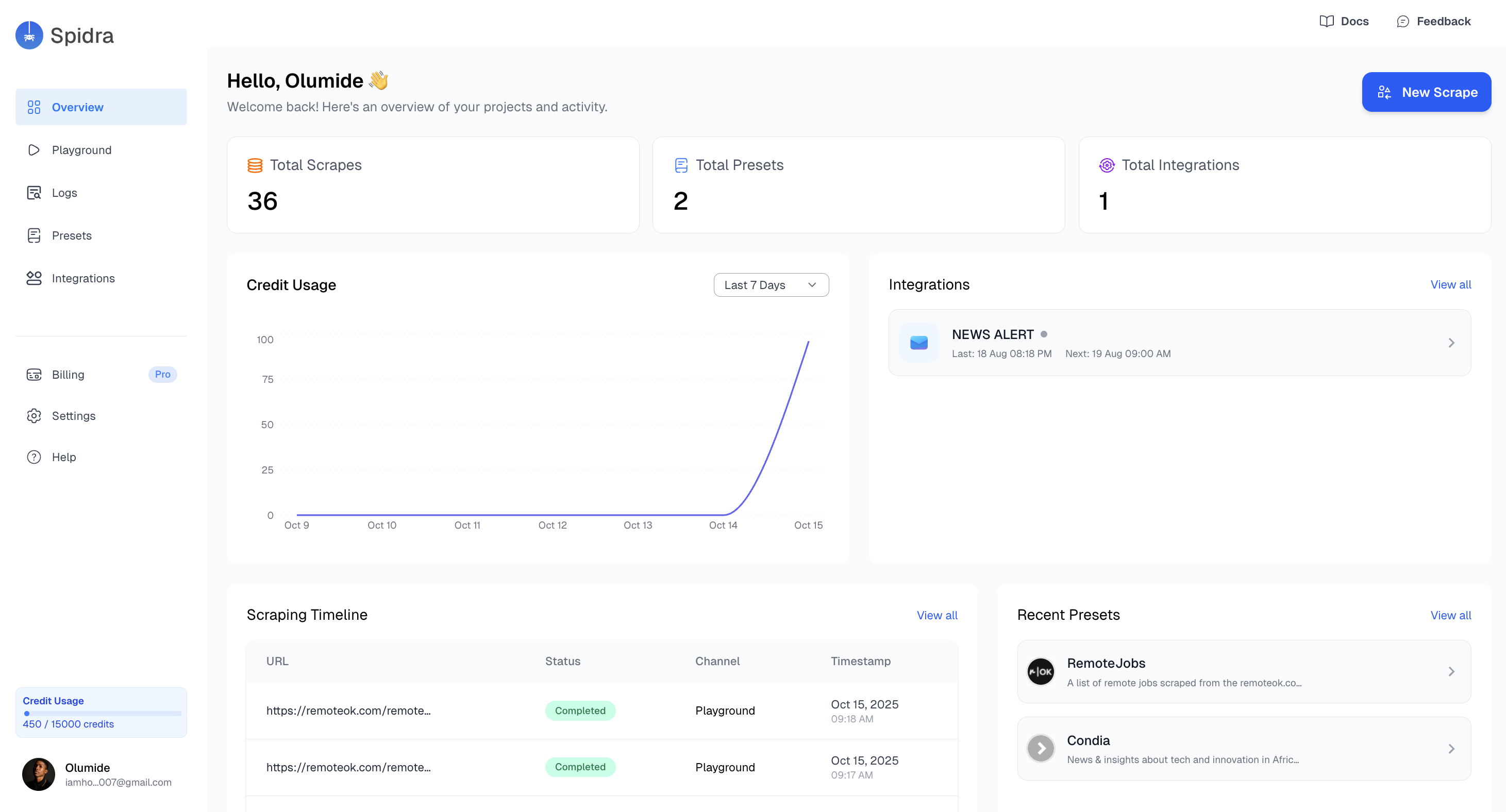
Quick Access and Summary
At the top of the dashboard, you’ll find quick stats including:- Total Scrapes – Number of successful scraping jobs you’ve run.
- Total Presets – Count of saved configurations from the Playground.

These stats give you a quick pulse on your account activity
Usage Analytics
Spidra includes a built-in credit usage chart on the dashboard so you can see your consumption at a glance. It shows total credits used over the last 7 days as an area chart, fixed to that window on purpose, it’s meant to be a quick pulse check, not a filterable report. For daily/weekly/30-day trends, a custom date range, or a breakdown by scrape, crawl, and search, see the full Usage page, which the Usage guide walks through.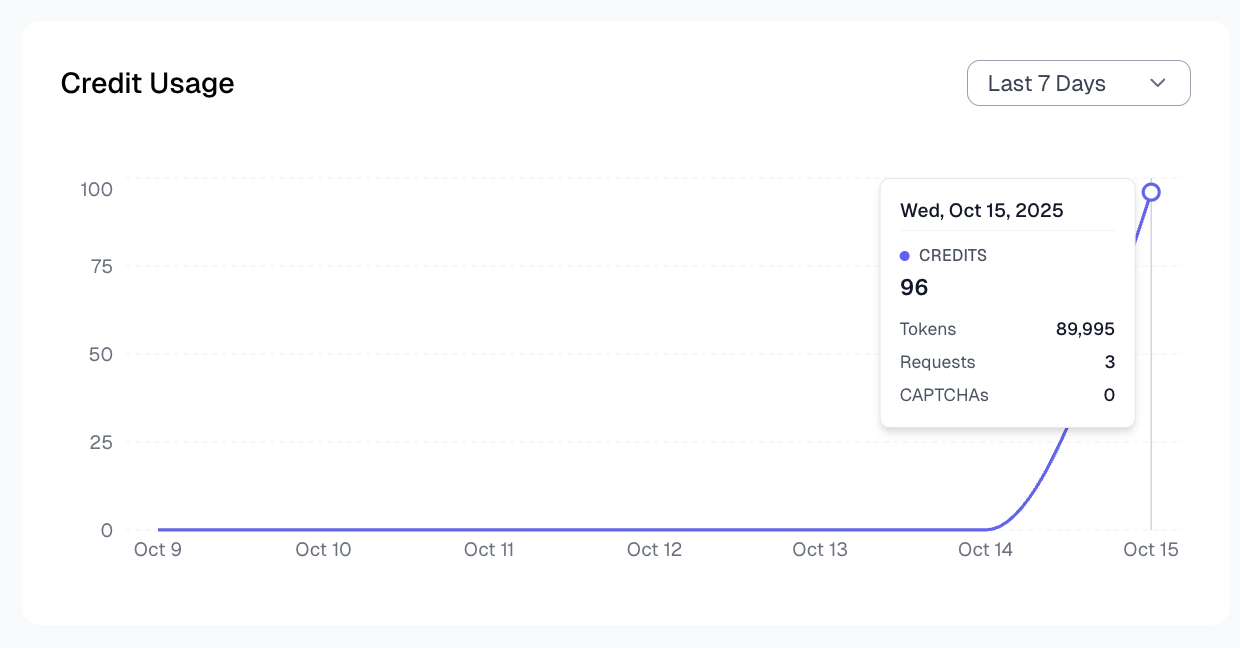
On the dashboard you also find the following:
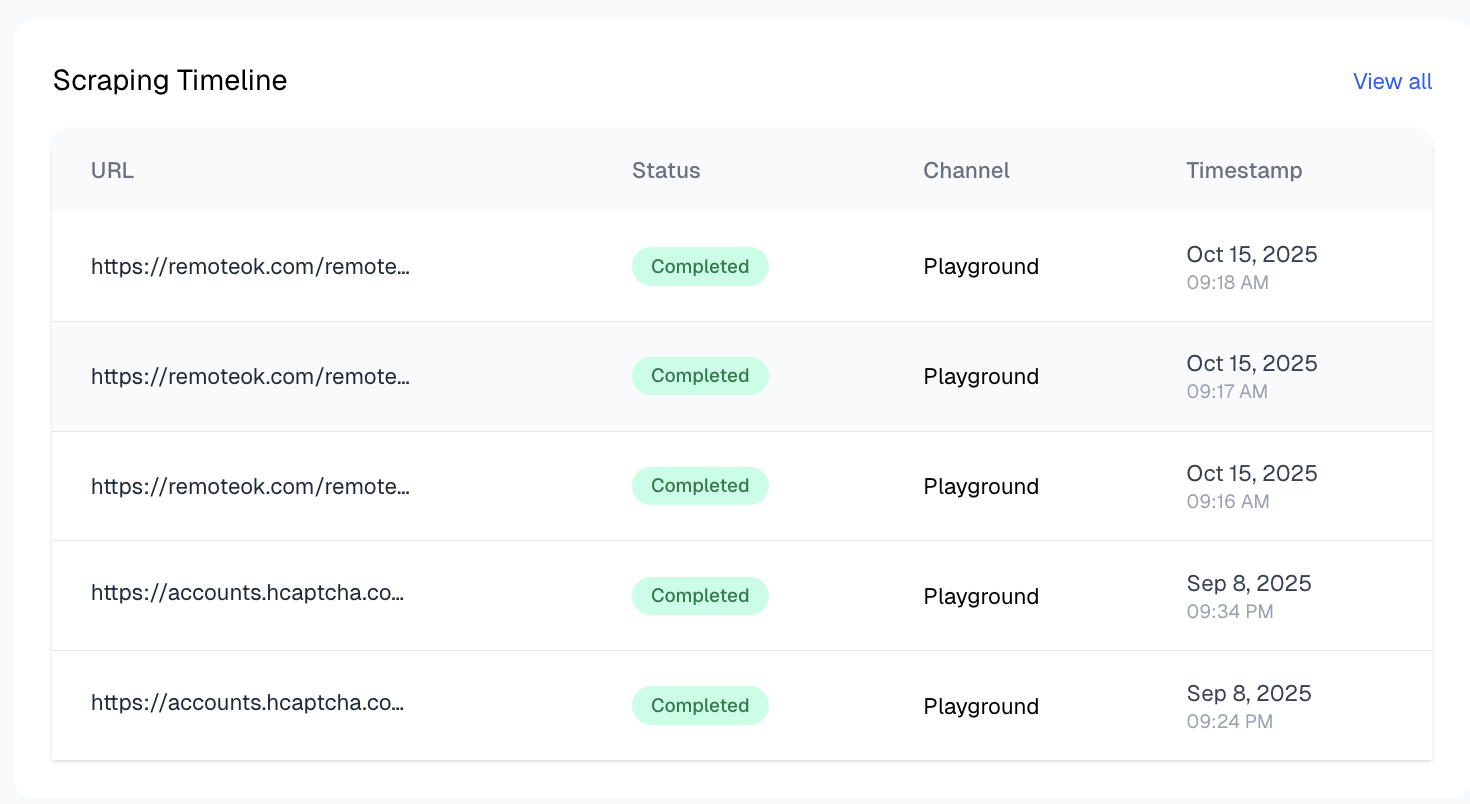
- Scraping Timeline: Another card presents your Scraping Timeline, giving a high-level chronological view of recent scraping jobs.
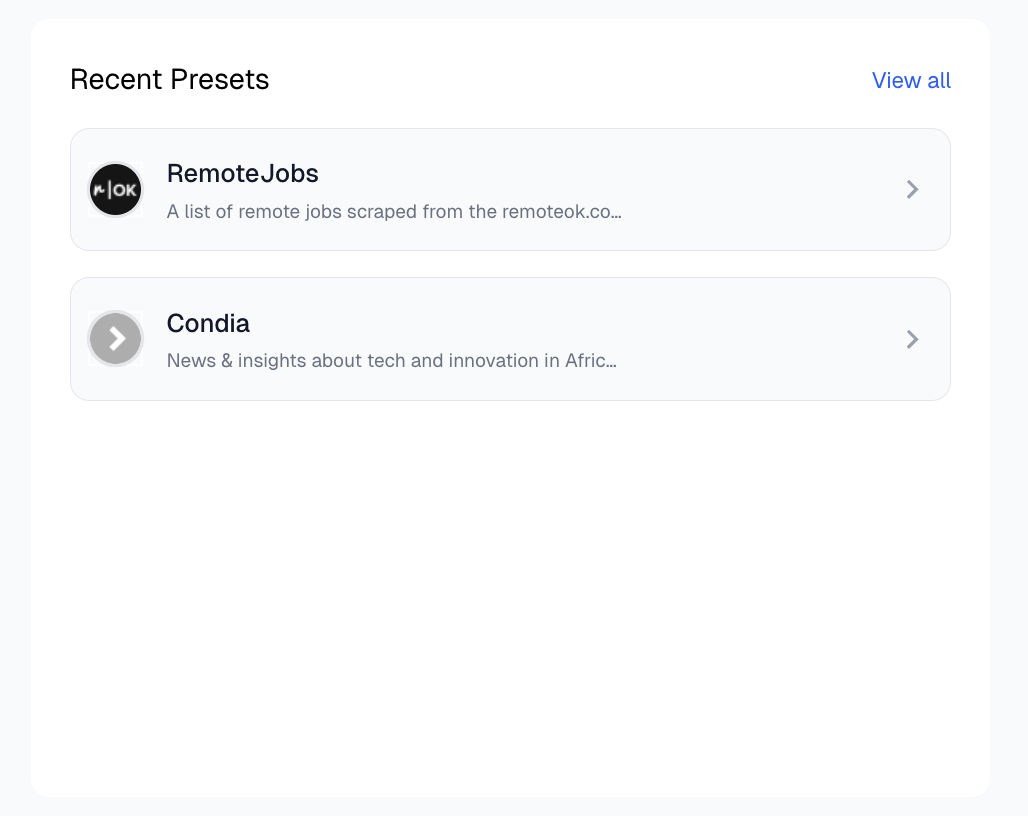
- Recent Presets: The final card on the dashboard summarizes your most recently saved presets. Each card includes: preset Name & description