

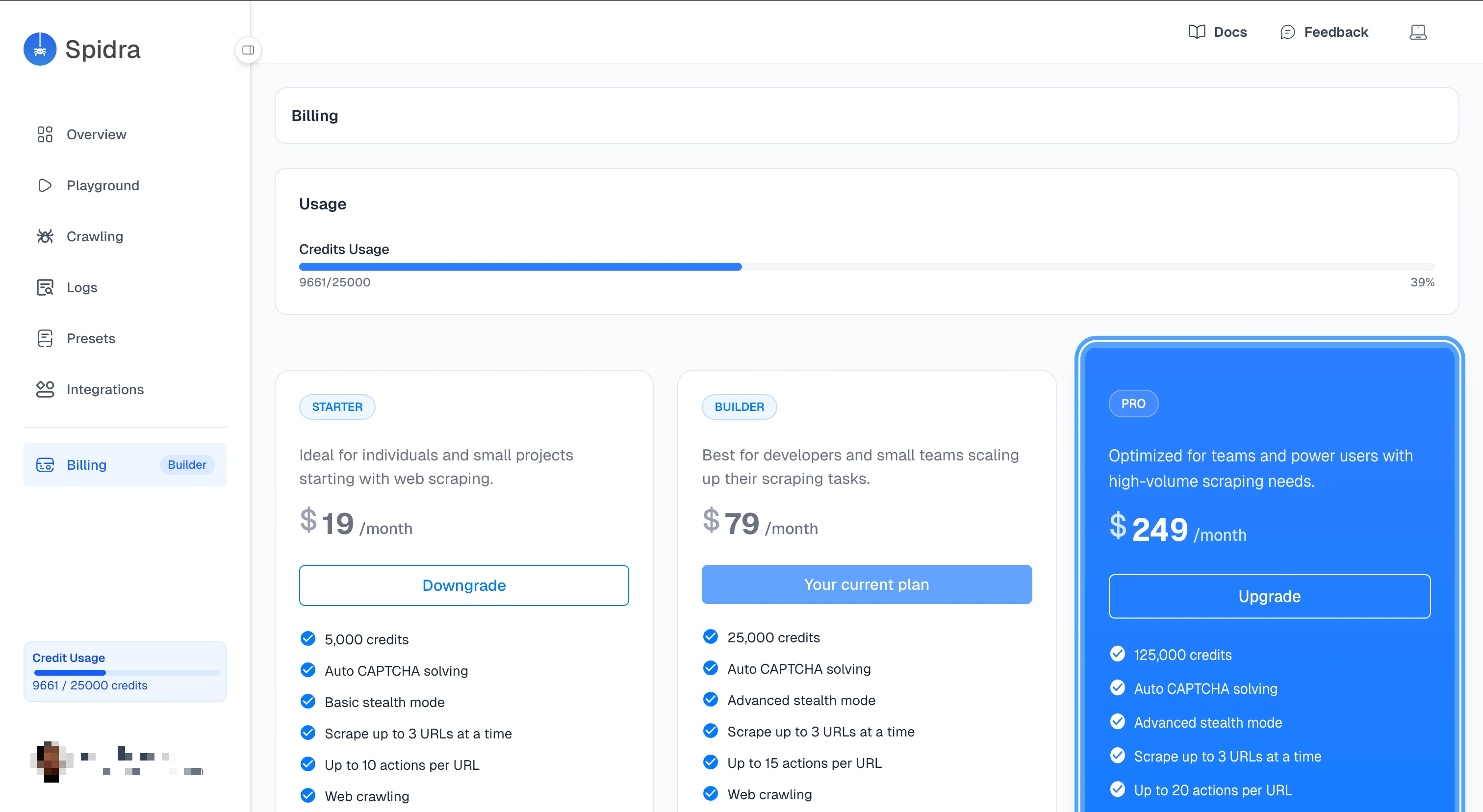
Upgrading Your Plan
To upgrade, go to the Billing page, find the plan you want, and click the upgrade button. Spidra redirects you to a Stripe checkout page where you complete the payment. Once the payment goes through:- Your account switches to the new plan immediately.
- If you are upgrading from the Free plan, your credit counter resets and you start fresh on the new plan’s monthly allowance.
Downgrading Your Plan
Downgrading works like cancellation. You keep your current plan and credits until the end of your billing cycle. At renewal, your account moves to the lower plan. If you downgrade to Free, your paid plan features stay active until the cycle ends. After that, your credit limit drops to the Free tier’s 300 credits.Canceling Your Subscription
To cancel, click the cancel button on the Billing page and confirm. Canceling does not cut off your access right away. Spidra sets your subscription to cancel at the end of your current billing cycle. Until that date:- You keep full access to your current plan’s features.
- Your remaining credits are still available to use.
- You can still run scrapes and crawls.