

1. Sign up
Sign up with your email, Google or GitHub. New accounts get 300 free credits and no card is needed. This scrape uses 3.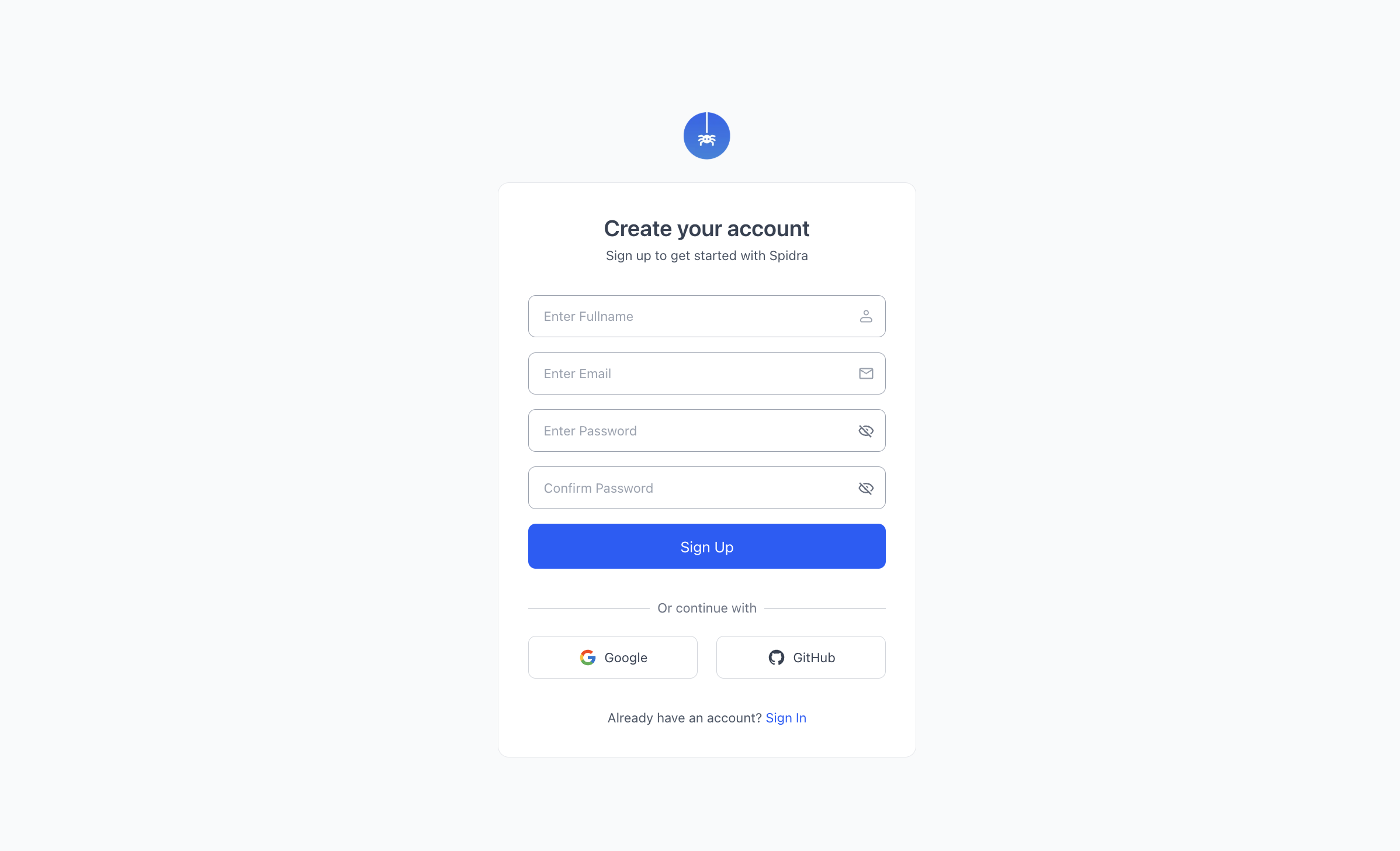
2. Fill in the Scrape form
Click Scrape in the sidebar.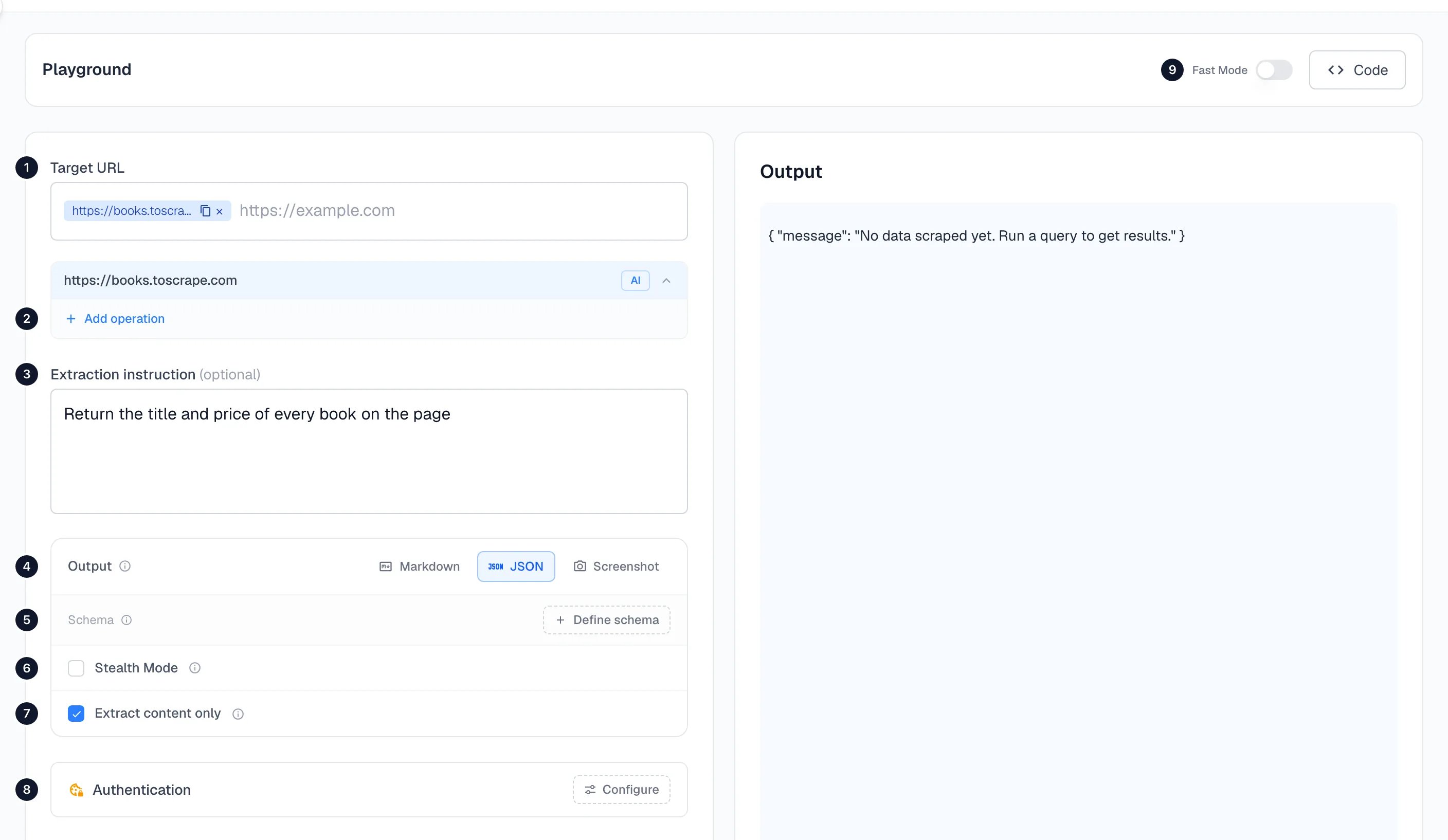
- In Target URL, enter
https://books.toscrape.comand press Enter. - In Extraction instruction, write
Return the title and price of every book on the page. - Under Output, choose JSON.
- Click Scrape.
3. Read the result
After a few seconds the output appears on the right: a list of the 20 books on the page.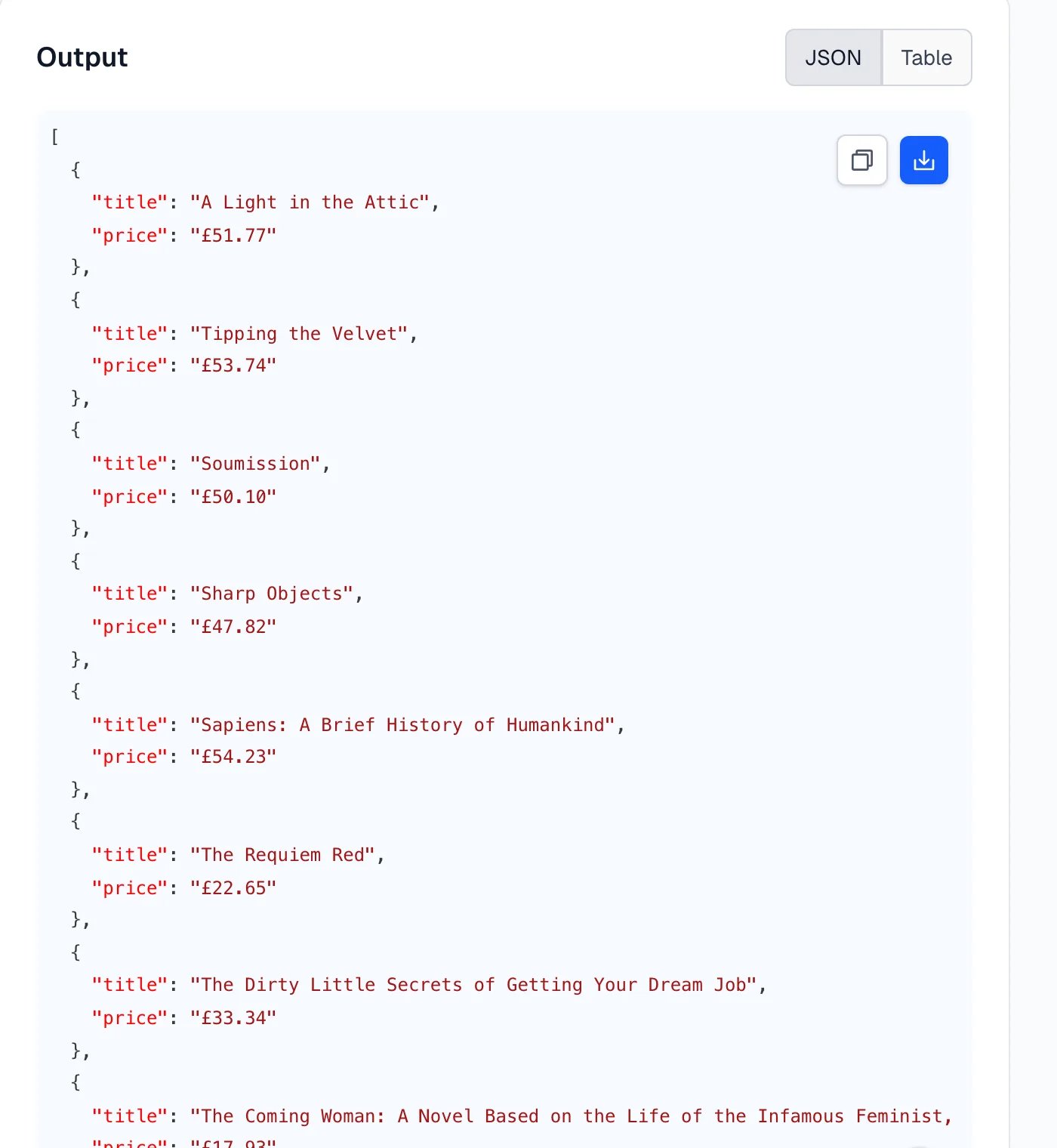
Next
Templates
Ready-made jobs: Google Maps leads, Amazon products, job listings and more.
Crawl
Get every page of a site that matches a description.
Scrape
Every option on the Scrape form.
Use the API
The same scrape from curl, Node.js or Python.