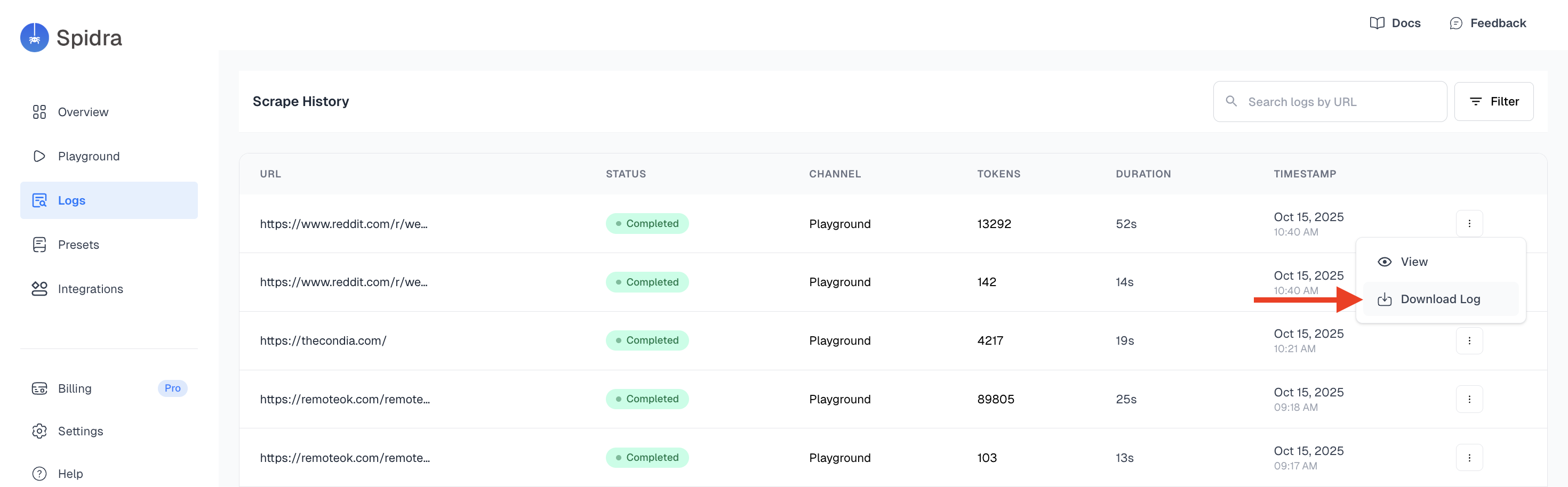
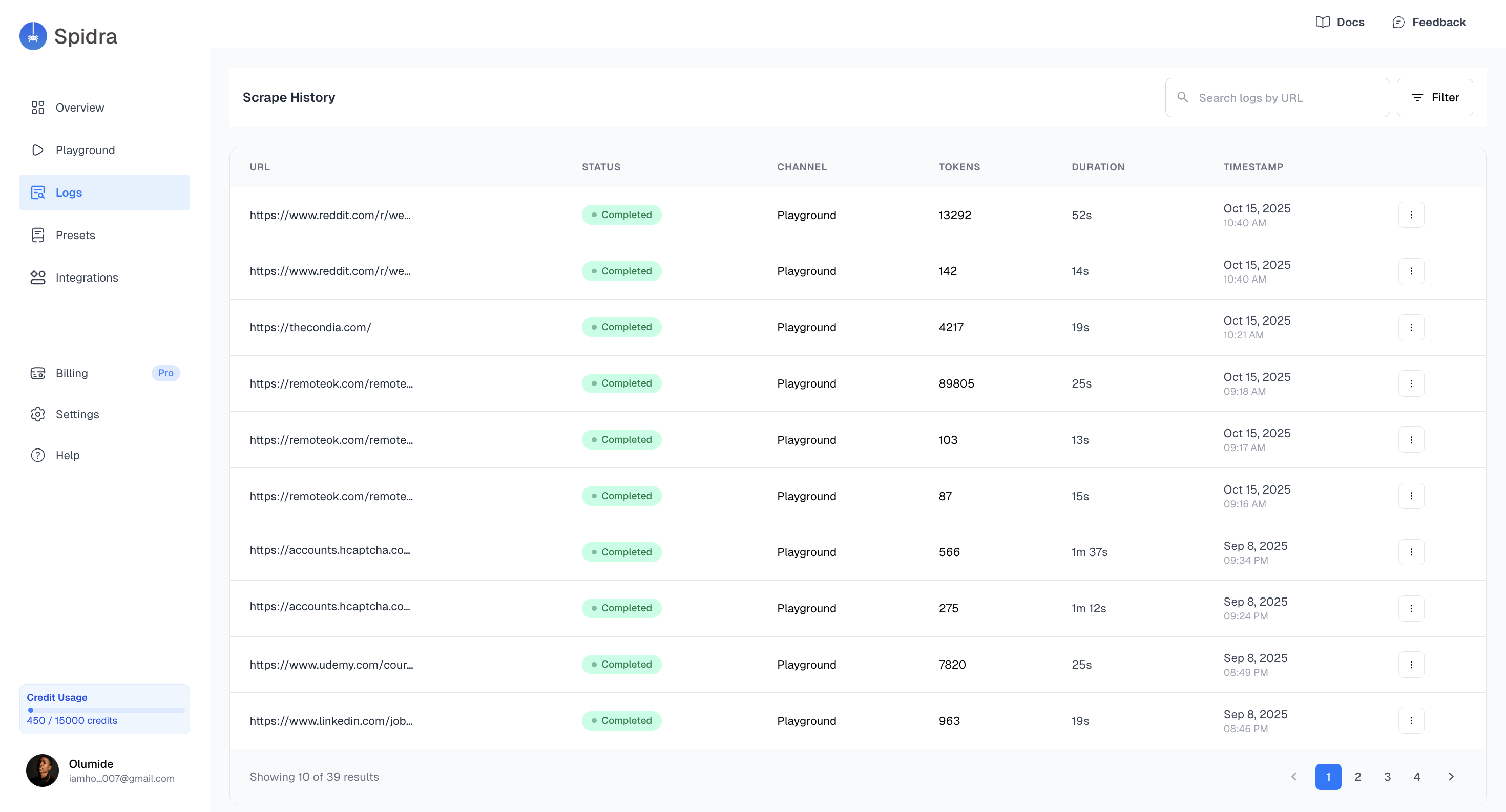
Logs List View
The main Logs interface displays a chronological list of all scrape jobs and LLM requests you’ve triggered. Each row in the table includes:- Target URL
- Status (
Completed,Pending,Error) - Duration
- Timestamp
- Actions (e.g., View details, Download log)
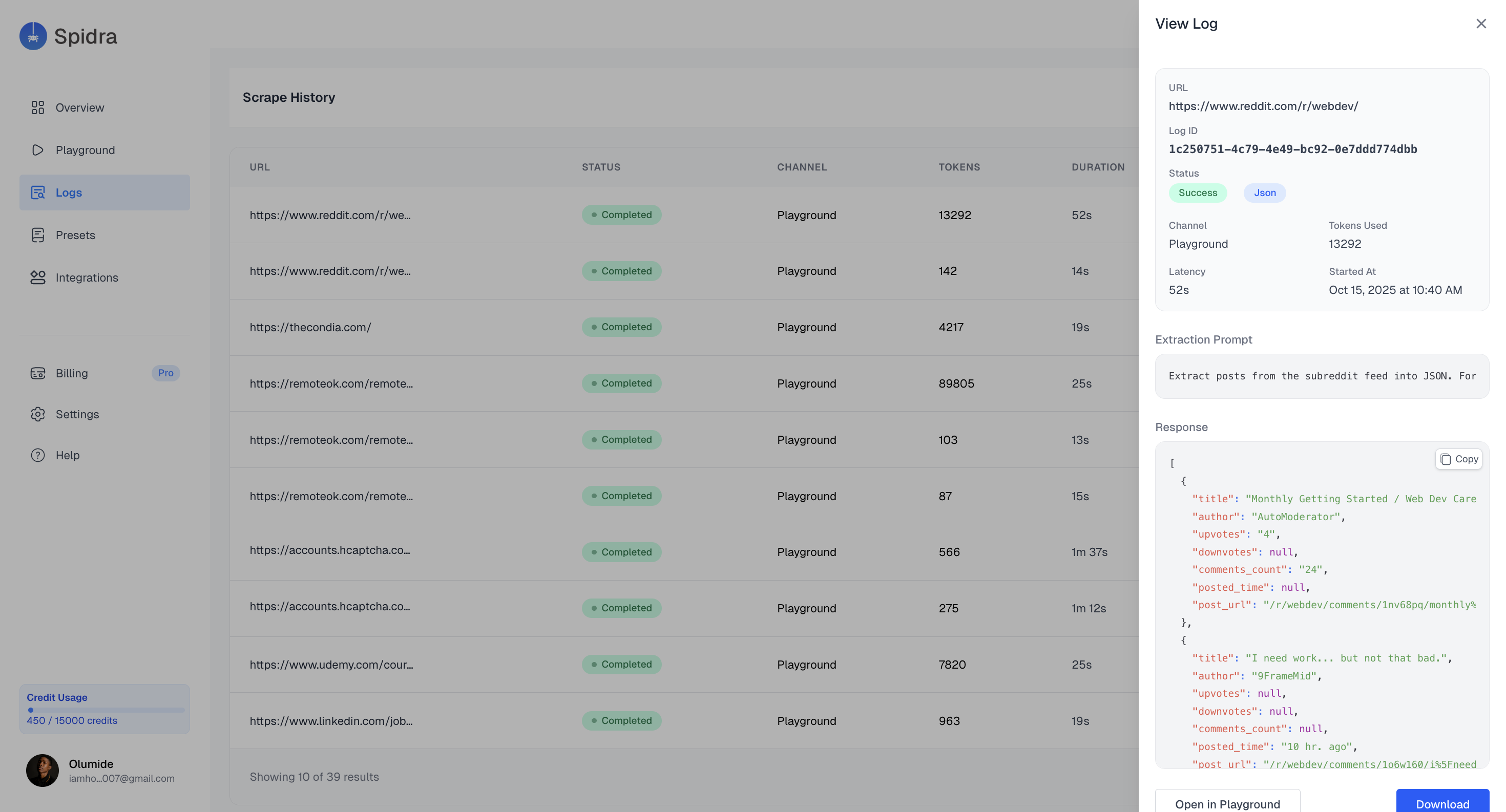
Viewing Log Details
Click on the quick actions button and select view, this opens a detailed sidebar showing:URL, Log ID, Status, Channel, Tokens Used, Latency, Extraction prompt, Response.
Download Logs
Each entry includes a download log that exports the log in a structured formatjson file.