Saving a Preset from Playground
In the Playground, instead of running the scrape immediately, you can hit: Save Preset. This captures everything from your current session and stores it.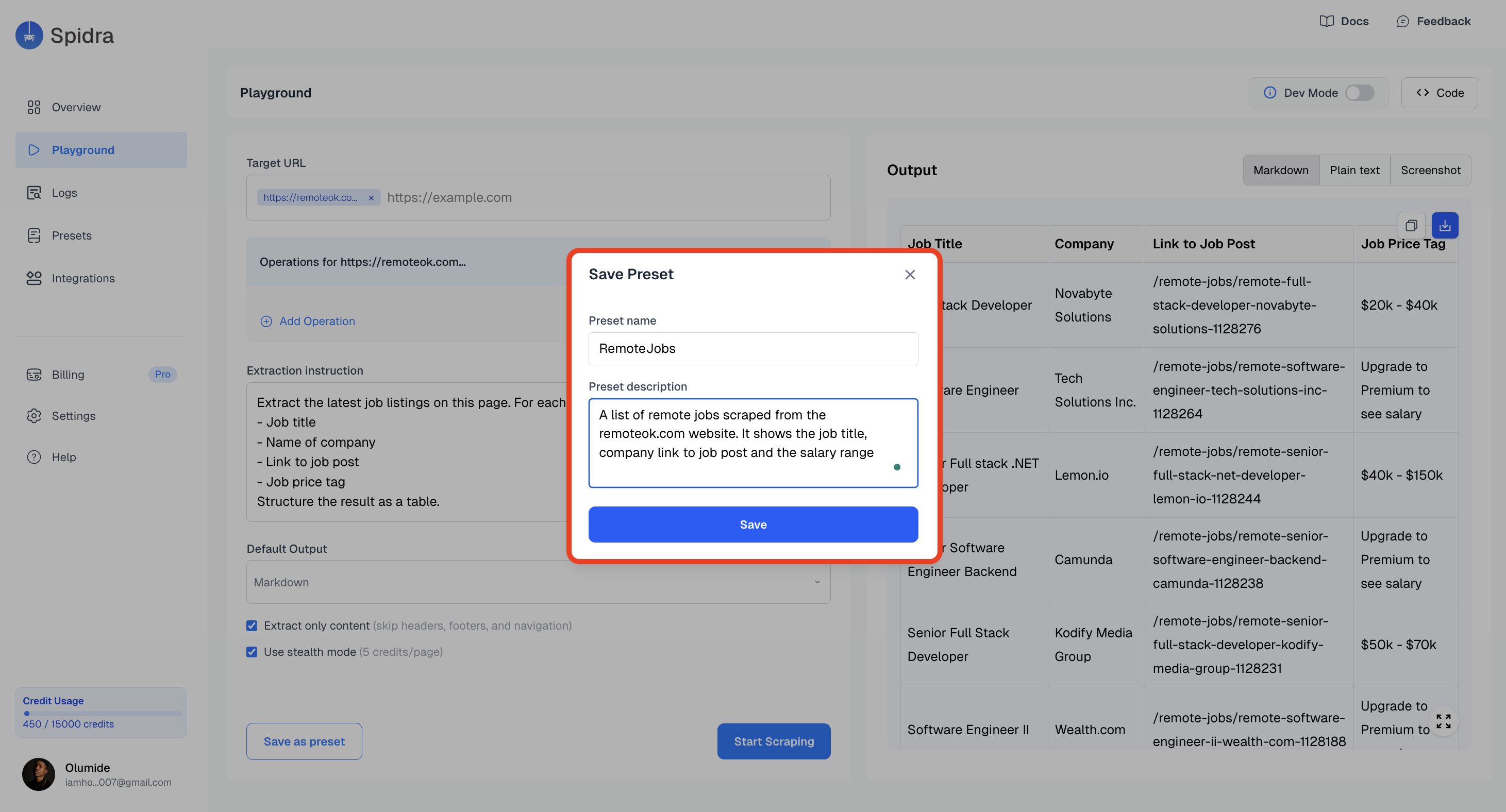
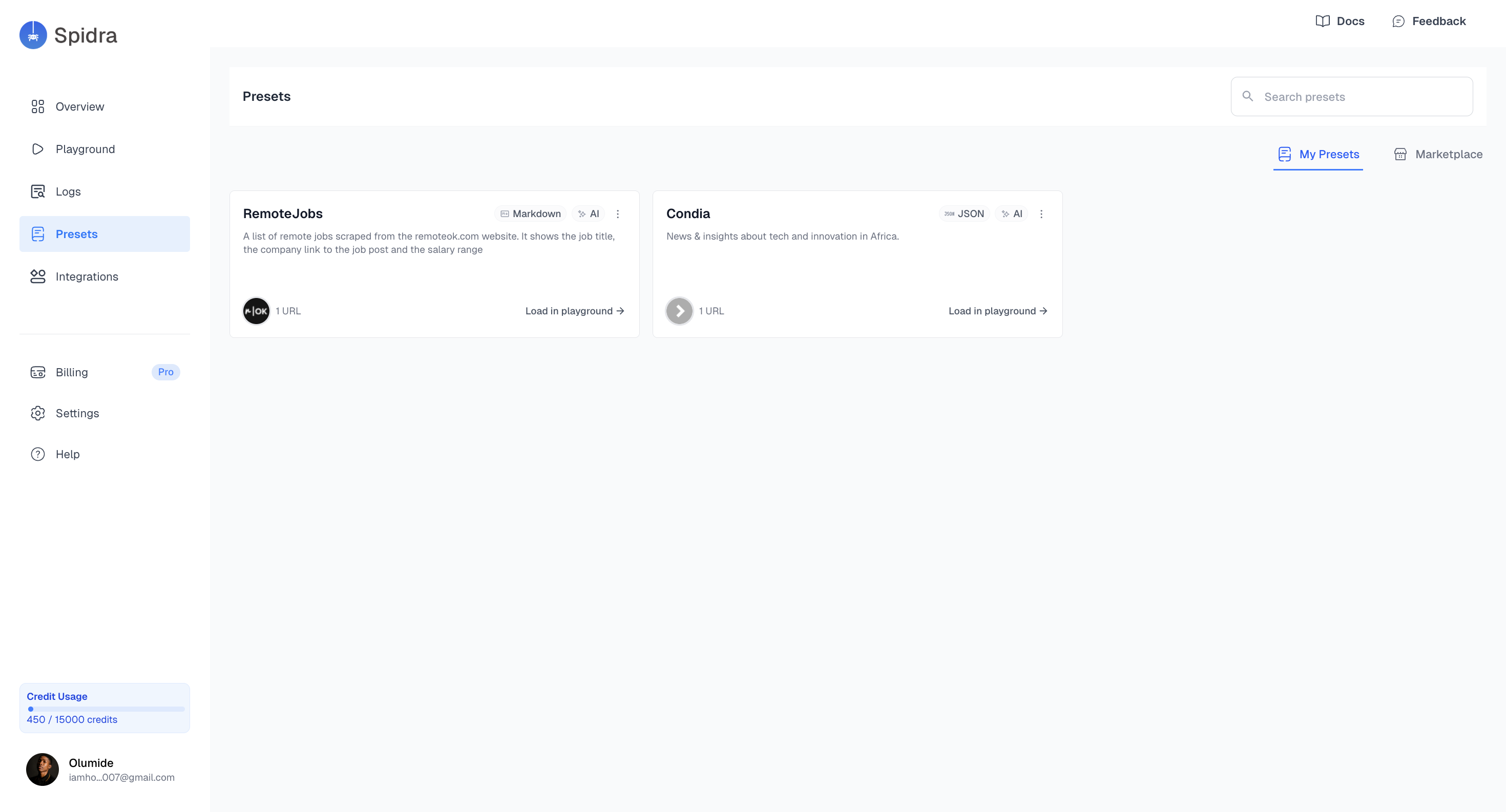
Viewing Your Presets
Presets appear in the Presets tab as a list of cards. Each card contains:- Preset Name
- Short Description
- Tag or icon (if published)
- Quick actions (edit, automation, delete)
- A load in playground button for you to rerun the preset the playground.