Explore Published Presets
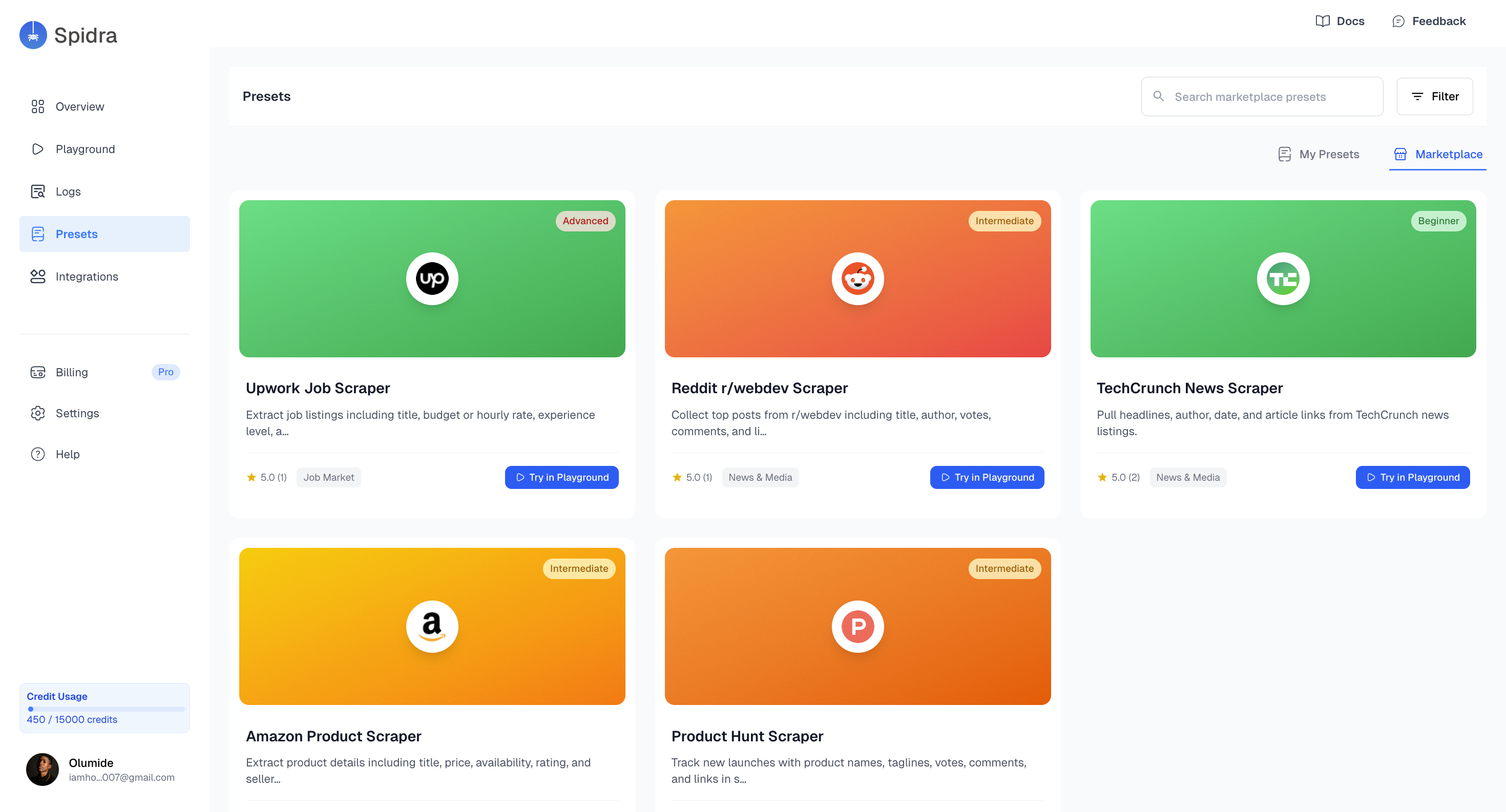
On the Marketplace, you’ll find a searchable, filterable list of public presets for different categories such as e-commerce, news & media, social media etc. Each card includes:- Preset Title e.g Upwork Job Scraper
- Short Description e.g ” Extract job listings including title, budget or hourly rate, experience level, and… ”
- Category e.g Job Market
- Difficulty e.g Advanced
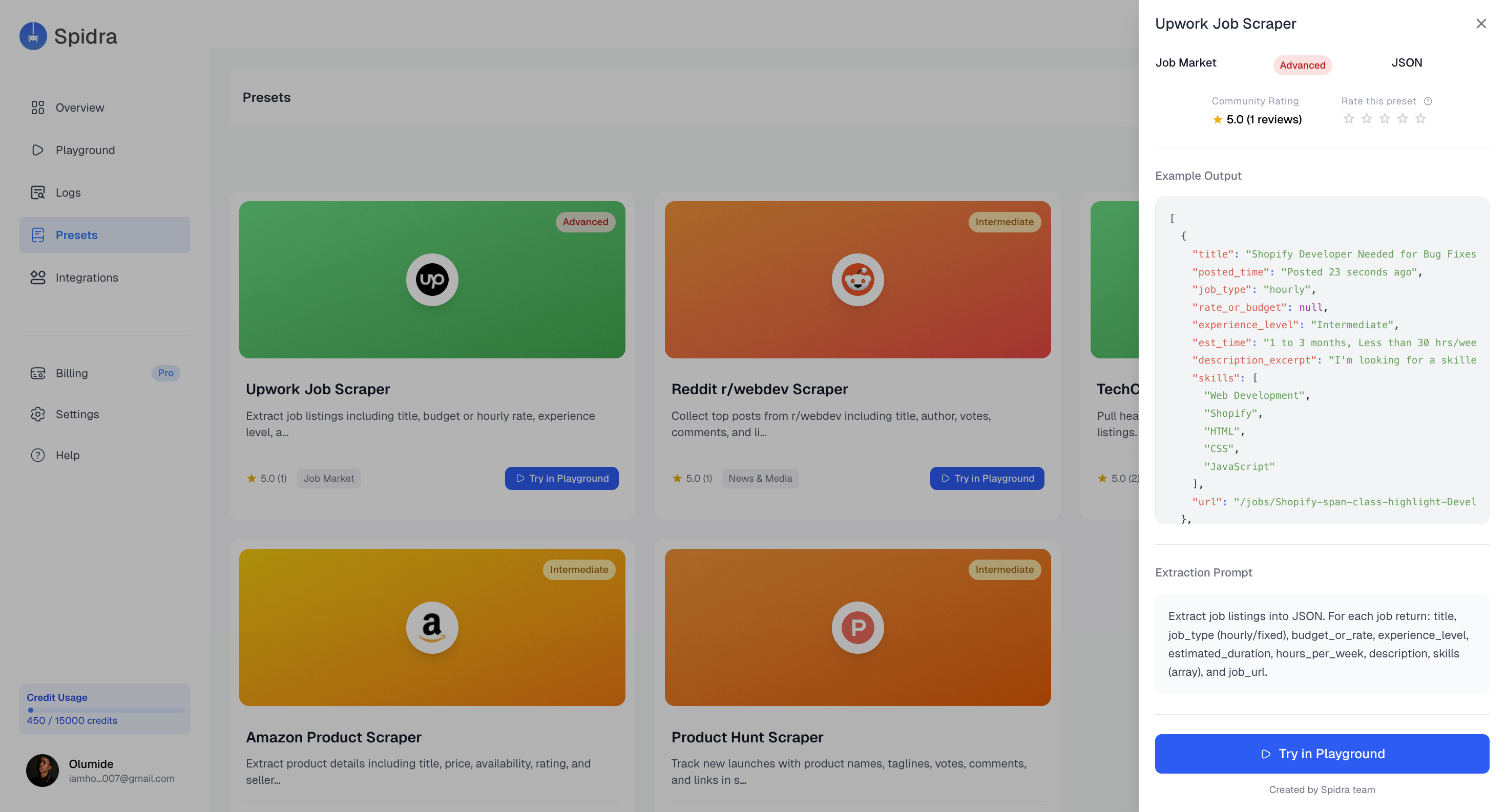
- Output Format e.g JSON
- Ratings (You can also rate the preset )
- Example Output
- Extraction Prompt
- A button to try in Playground
Using a Marketplace Preset
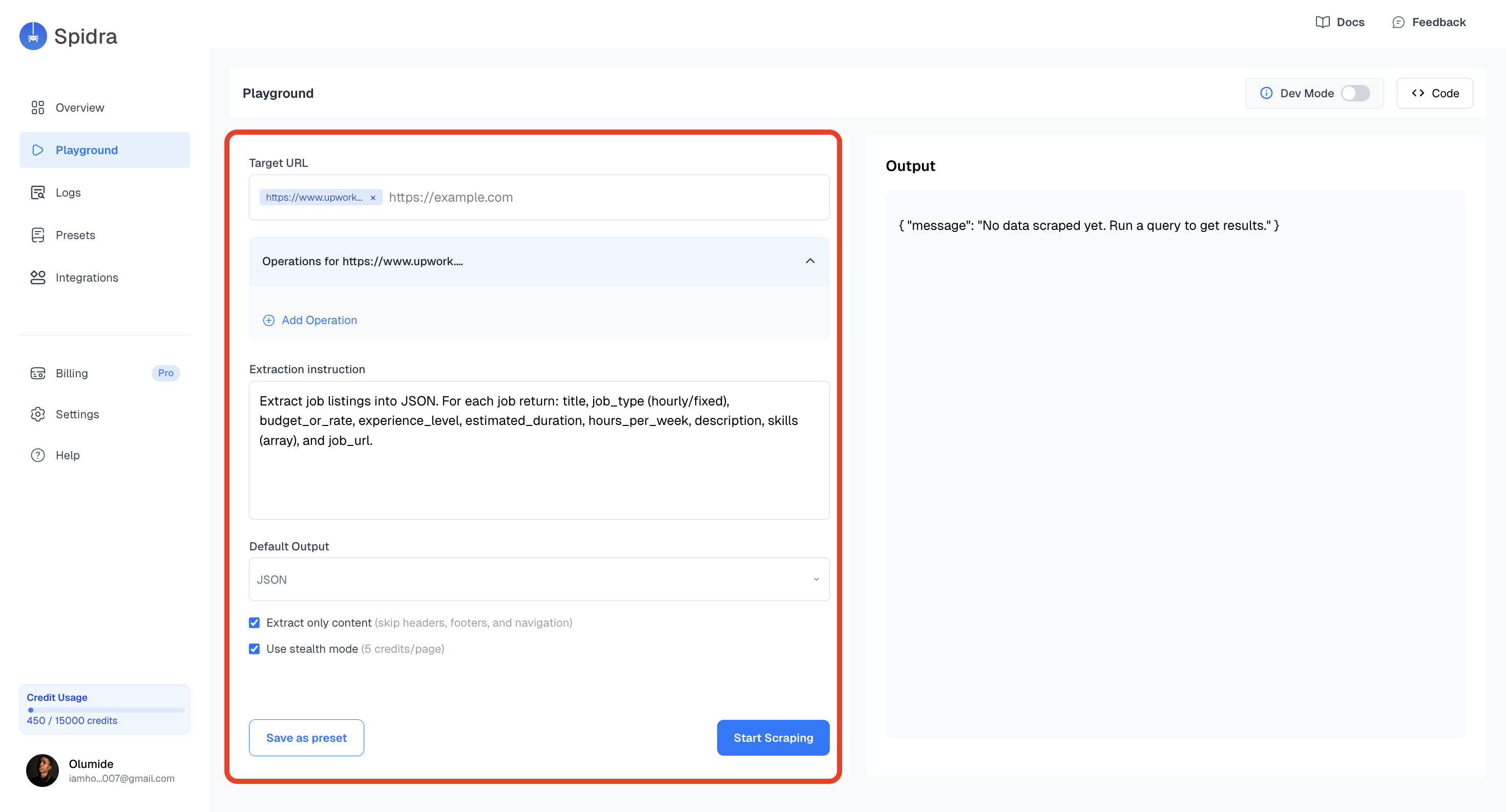
Once you find a preset you like, click to open it. A sidebar containing the preset details will appear, scroll to the bottom and click on the Try in Playground button. After loading a preset in the Playground, you can tweak or customize the URLs, actions, or extraction instructions to match your specific use case.