Deliver Spidra scrape results to any email address. Connect a preset, set a schedule, and receive extracted data automatically.
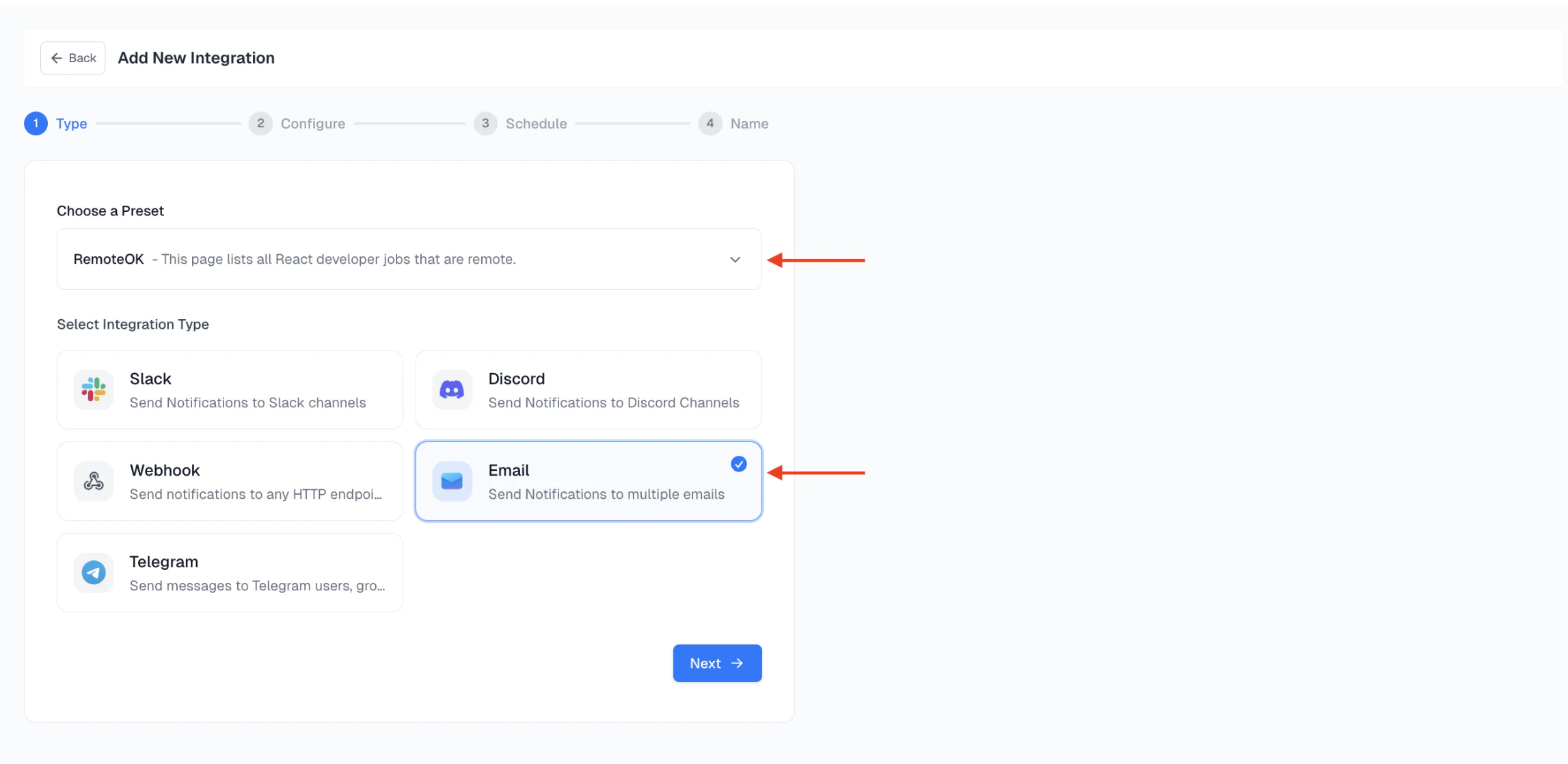
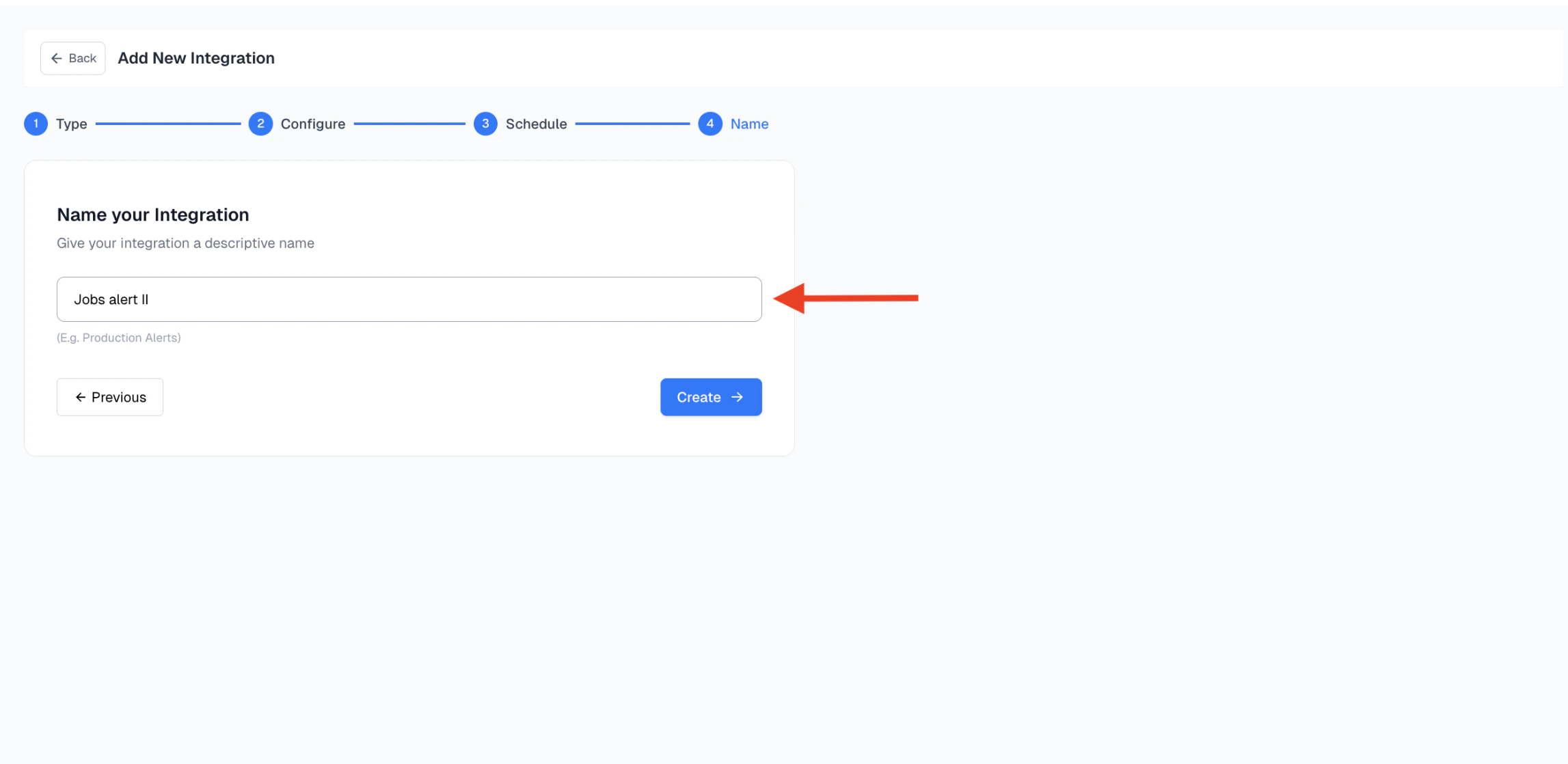
This guide shows you how to automate your Spidra preset with Email, so that your scraping results are automatically delivered to one or more inboxes at a scheduled time.Follow these steps to get started, setup takes just a few minutes.
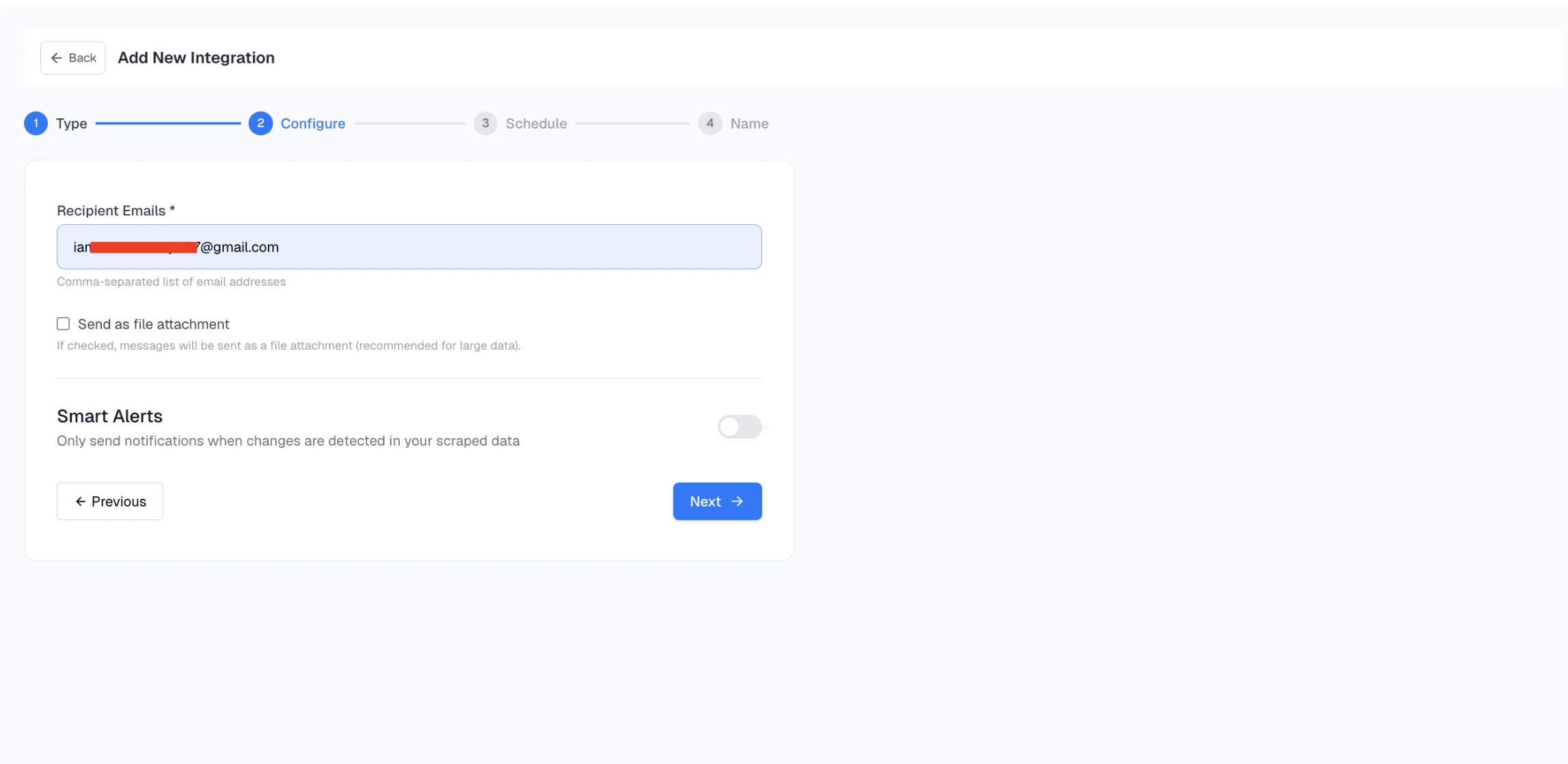
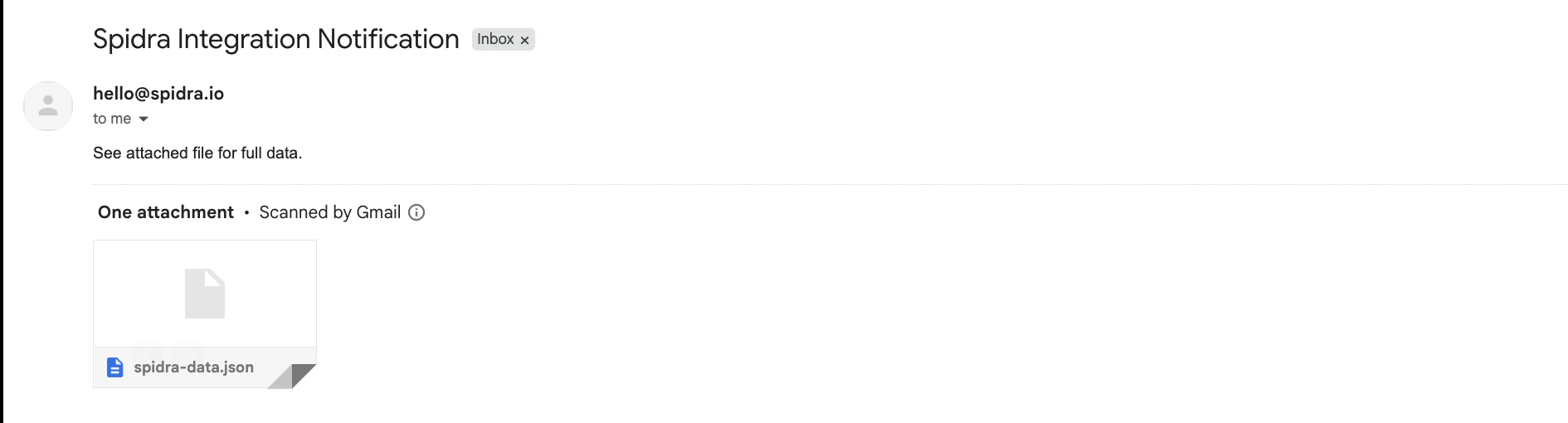
Optionally: check the Send as file attachment box. This is recommended for large data or structured results such as CSV, Markdown, or JSON.If this option is enabled, the scrape result will be sent as a downloadable file (e.g., .csv, .md). Otherwise, the content will appear inline in the email body.
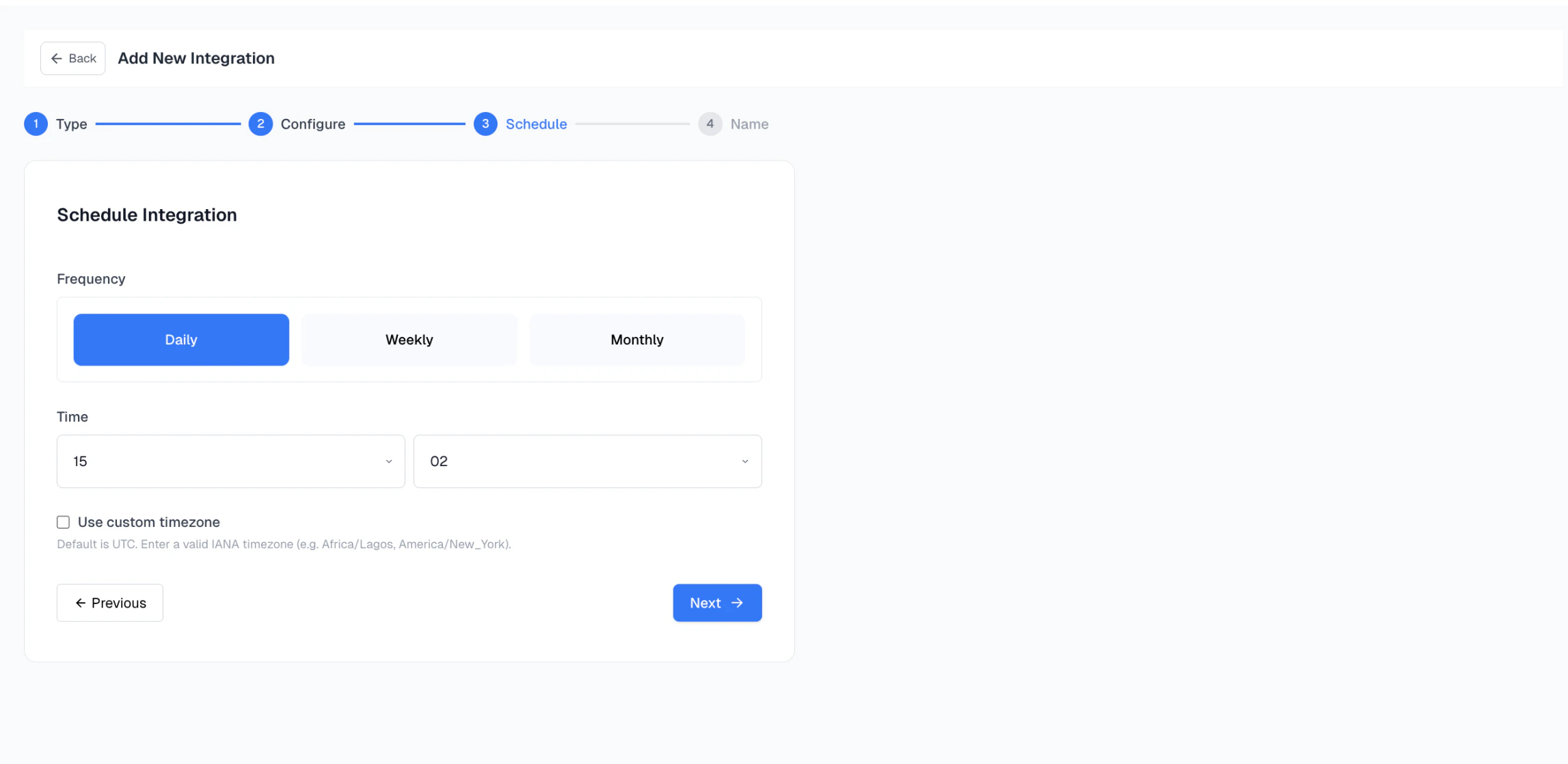
Set how often the scrape should run: Daily, Weekly, Monthly.Then, choose the time of day and set the timezone. By default, Spidra uses UTC. If needed, you can use a valid IANA timezone timezone, such as:
Once your automation runs at the scheduled time, the output will be delivered to your inbox.
Important: On your first automation, some email services may flag the message as spam. If that happens, simply mark it as “Not Spam” to ensure future results land in your inbox.