Integration Overview
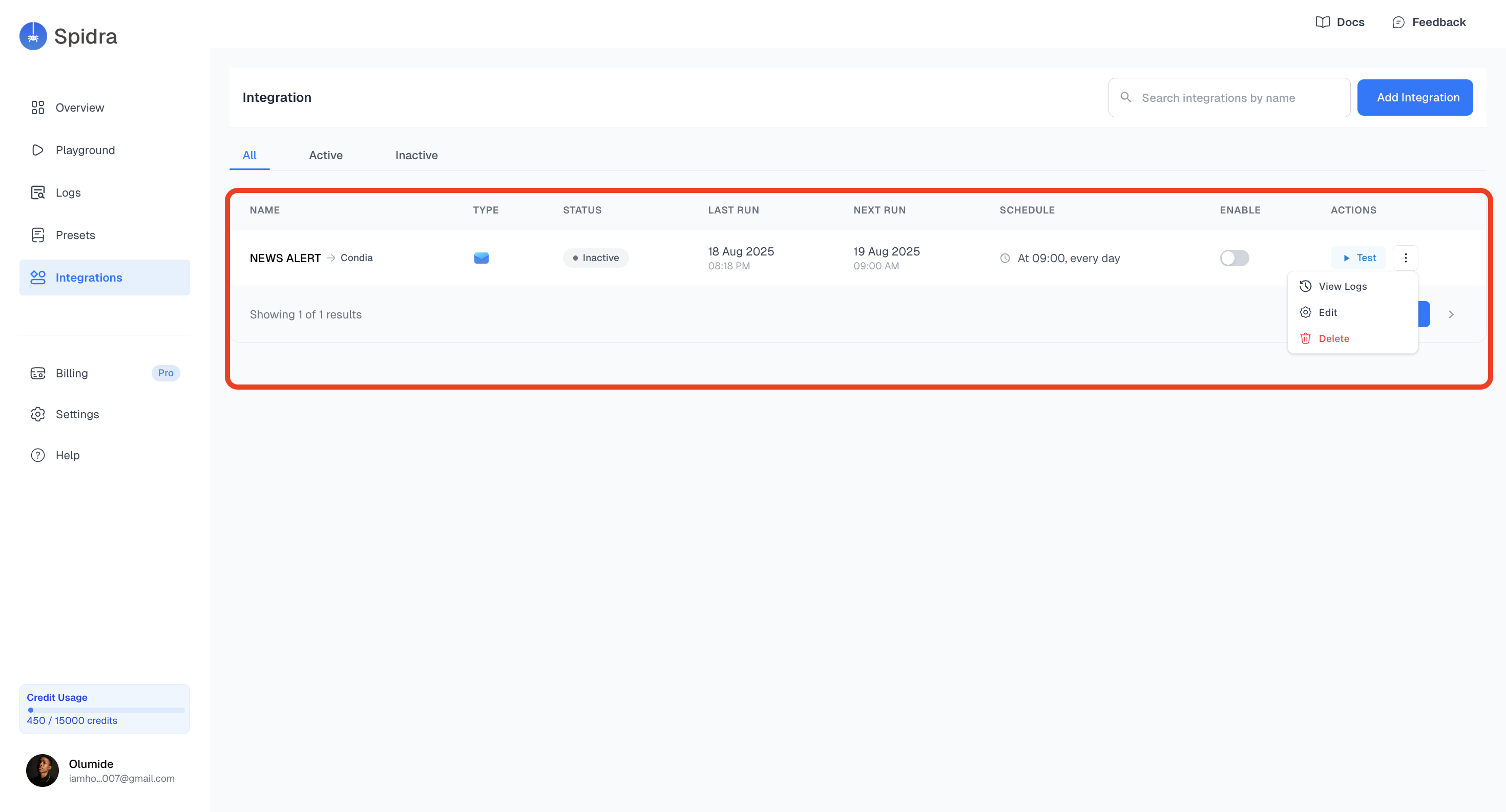
On the Integrations page, you’ll see all your existing integrations, grouped by the preset they were created from. Each integration includes:- Linked Preset
- Type this is the integration Platform e.g., Email, Slack, Discord etc.
- Status (active/inactive)
- Schedule e.g. daily at 9 AM
- Quick actions: such as Test, View logs, Edit, and Delete
Creating a New Integration
To create a new integration:- Go to the Integrations Tab and click on the Add Integration button.

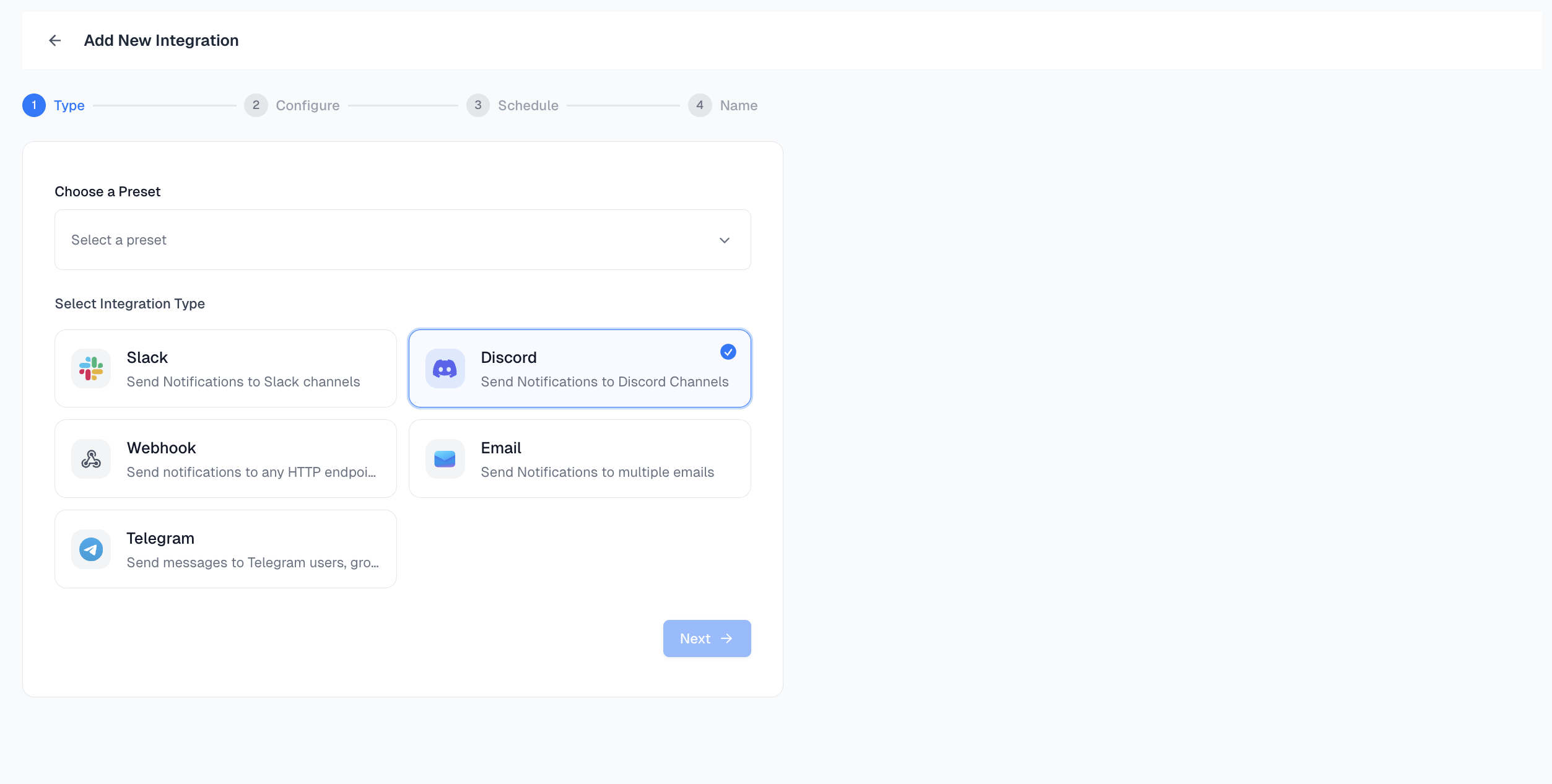
- Type: Choose a preset from the dropdown to define what you want to integrate, then select your preferred destination: Slack, Discord, Webhook, or Email.
- Configure the Integration:
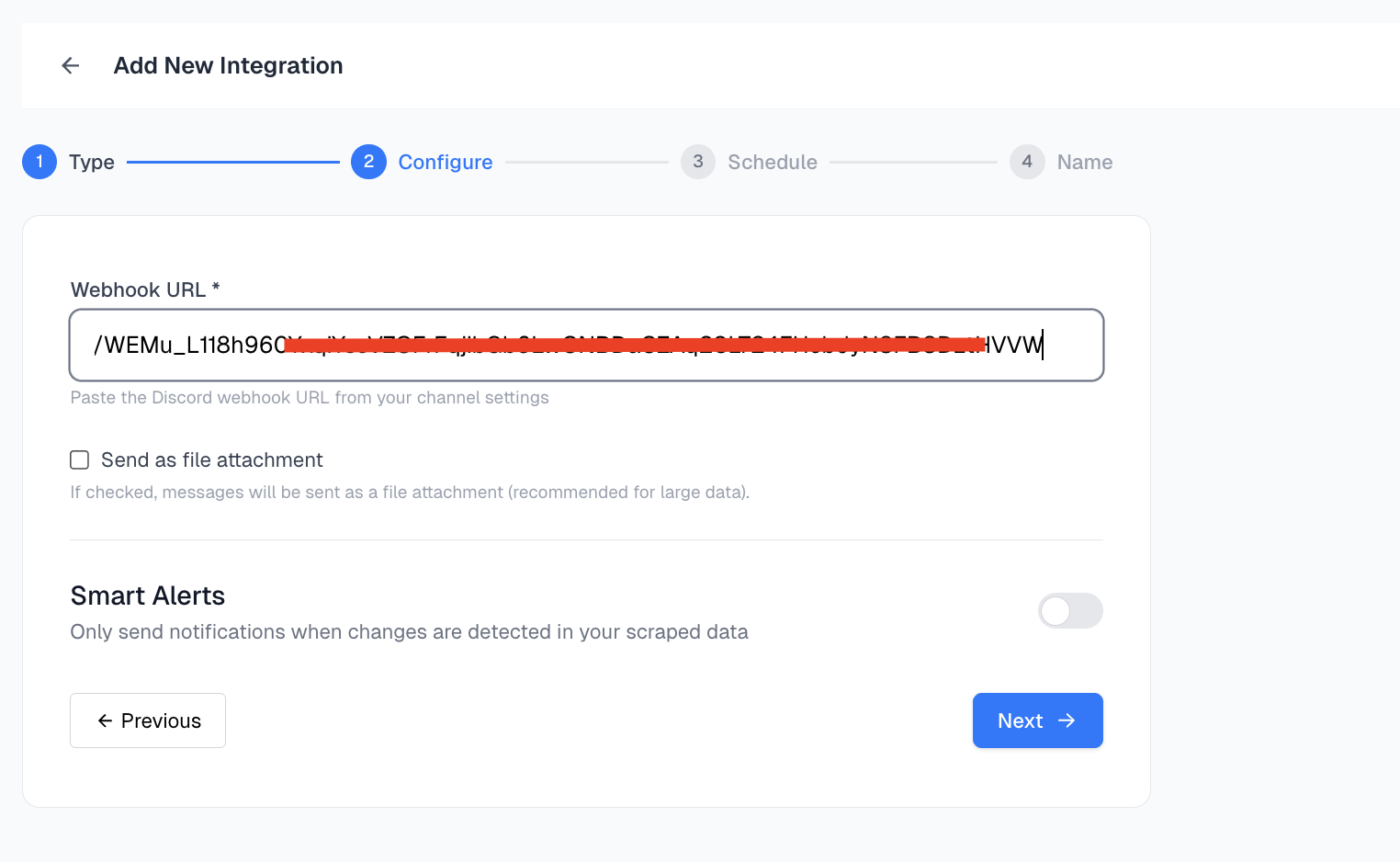
Each platform has its own setup fields (e.g. webhook URL, channel name, email address).
Fill in the required configuration based on your selected platform.
- Schedule Integration: Set how often you want this integration to run:
- Daily
- Weekly
- Monthly
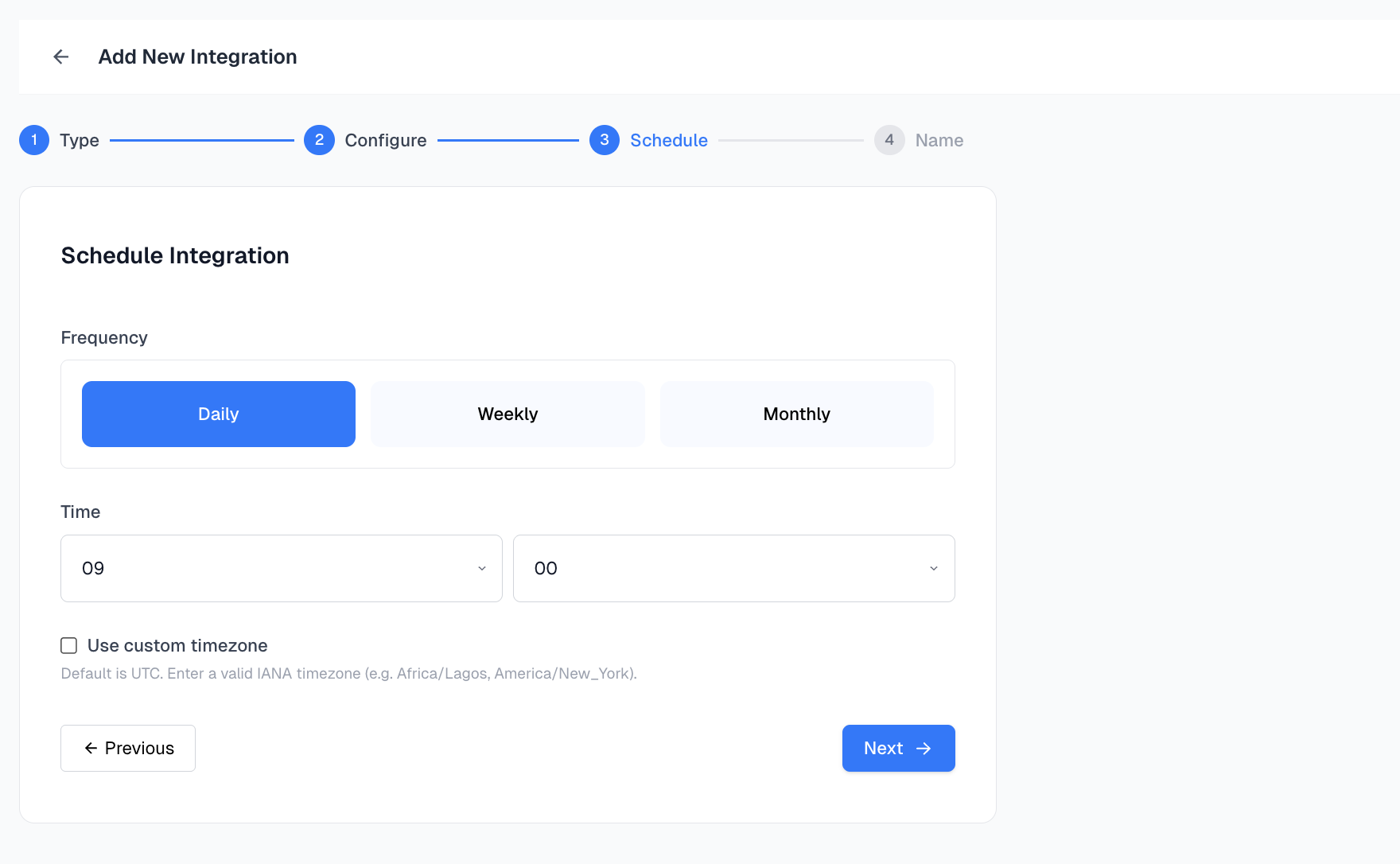
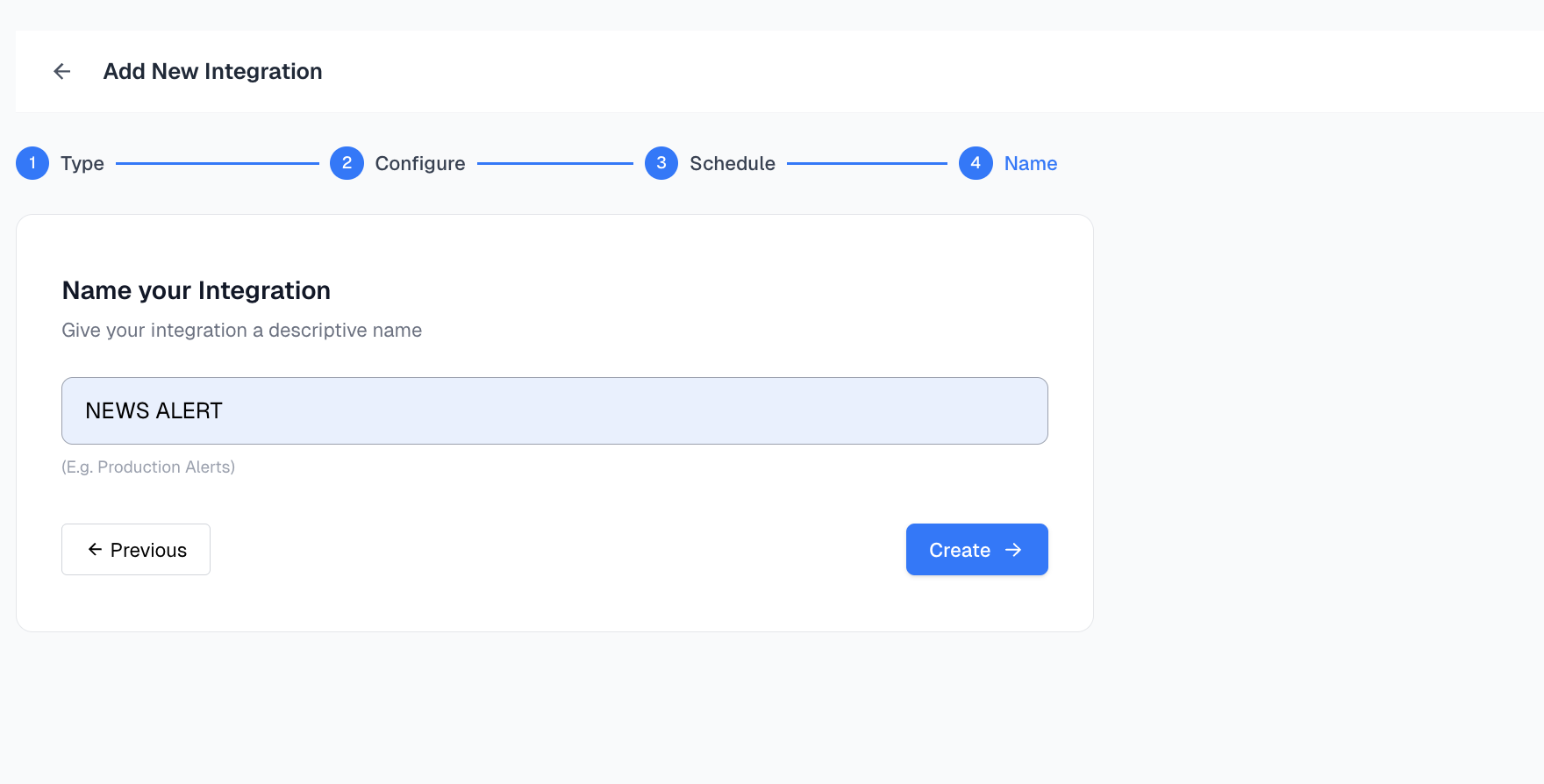
- Create and Activate: Once configured and scheduled, name your integration click on the Create button.