> ## Documentation Index
> Fetch the complete documentation index at: https://docs.spidra.io/llms.txt
> Use this file to discover all available pages before exploring further.
# Integrations
> Set up integrations to automatically deliver scraped data to platforms like Slack, Discord, Webhook, Email, and more on a schedule
Integrations is a powerful feature that makes Spidra not just a scraping platform, but an automation engine. Spidra lets you **automatically send your scraped data** to other platforms — like Slack, Discord, Telegram, or Email without writing a line of code.
You can create an integration from any preset and define **when** and **where** the data should be delivered.
***
## Integration Overview
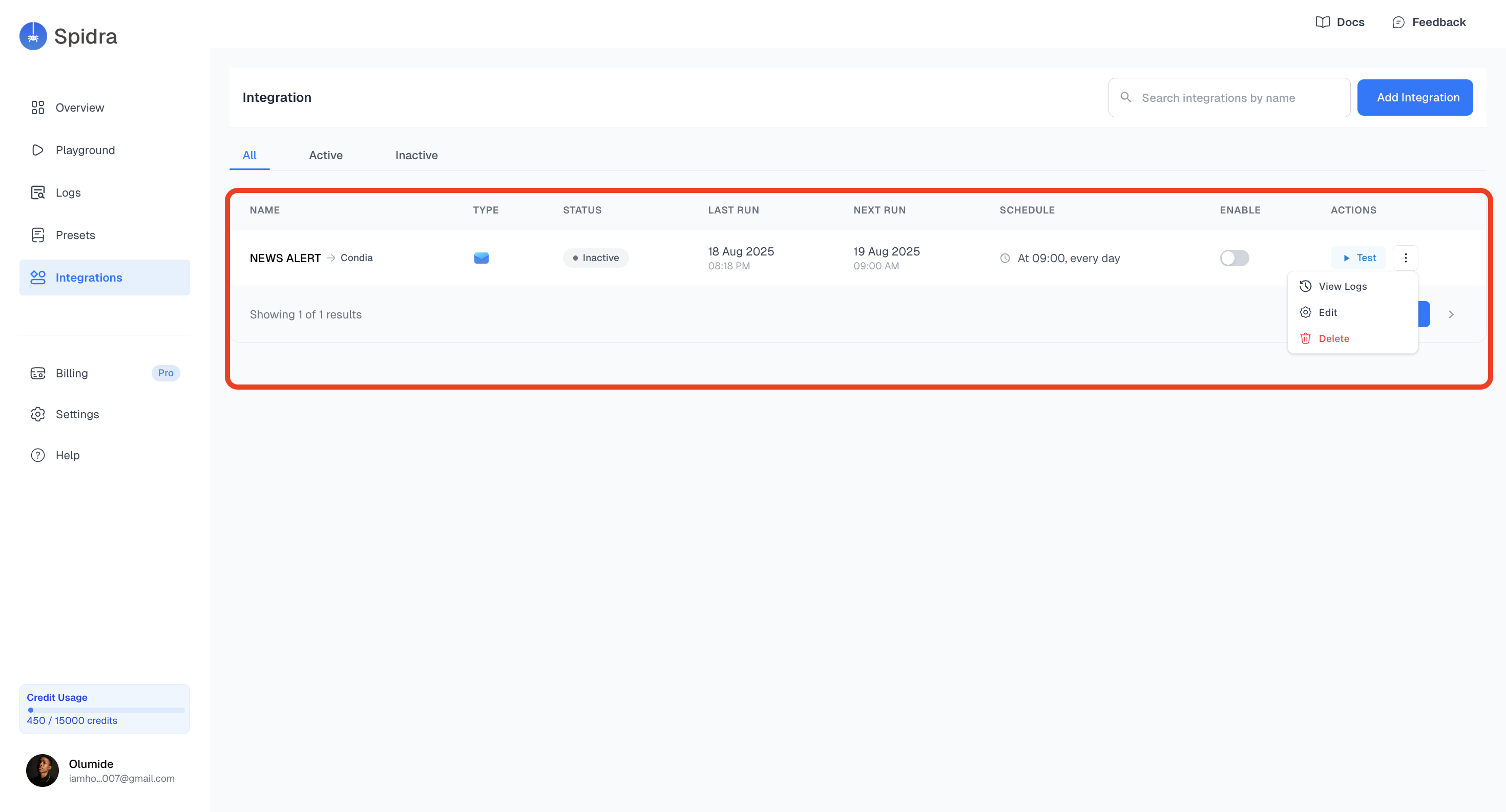
On the **Integrations page**, you'll see all your existing integrations, grouped by the preset they were created from.
Each integration includes:
* Linked Preset
* **Type** this is the integration Platform e.g., Email, Slack, Discord etc.
* **Status** (active/inactive)
* **Schedule** e.g. daily at 9 AM
* **Quick actions**: such as **Test**, **View logs**, **Edit**, and **Delete**
 ### Creating a New Integration
To create a new integration:
1. Go to the Integrations Tab and click on the **Add Integration** button.
### Creating a New Integration
To create a new integration:
1. Go to the Integrations Tab and click on the **Add Integration** button.
 2. **Type**:
Choose a preset from the dropdown to define what you want to integrate, then select your preferred destination: Slack, Discord, Webhook, or Email.
2. **Type**:
Choose a preset from the dropdown to define what you want to integrate, then select your preferred destination: Slack, Discord, Webhook, or Email.
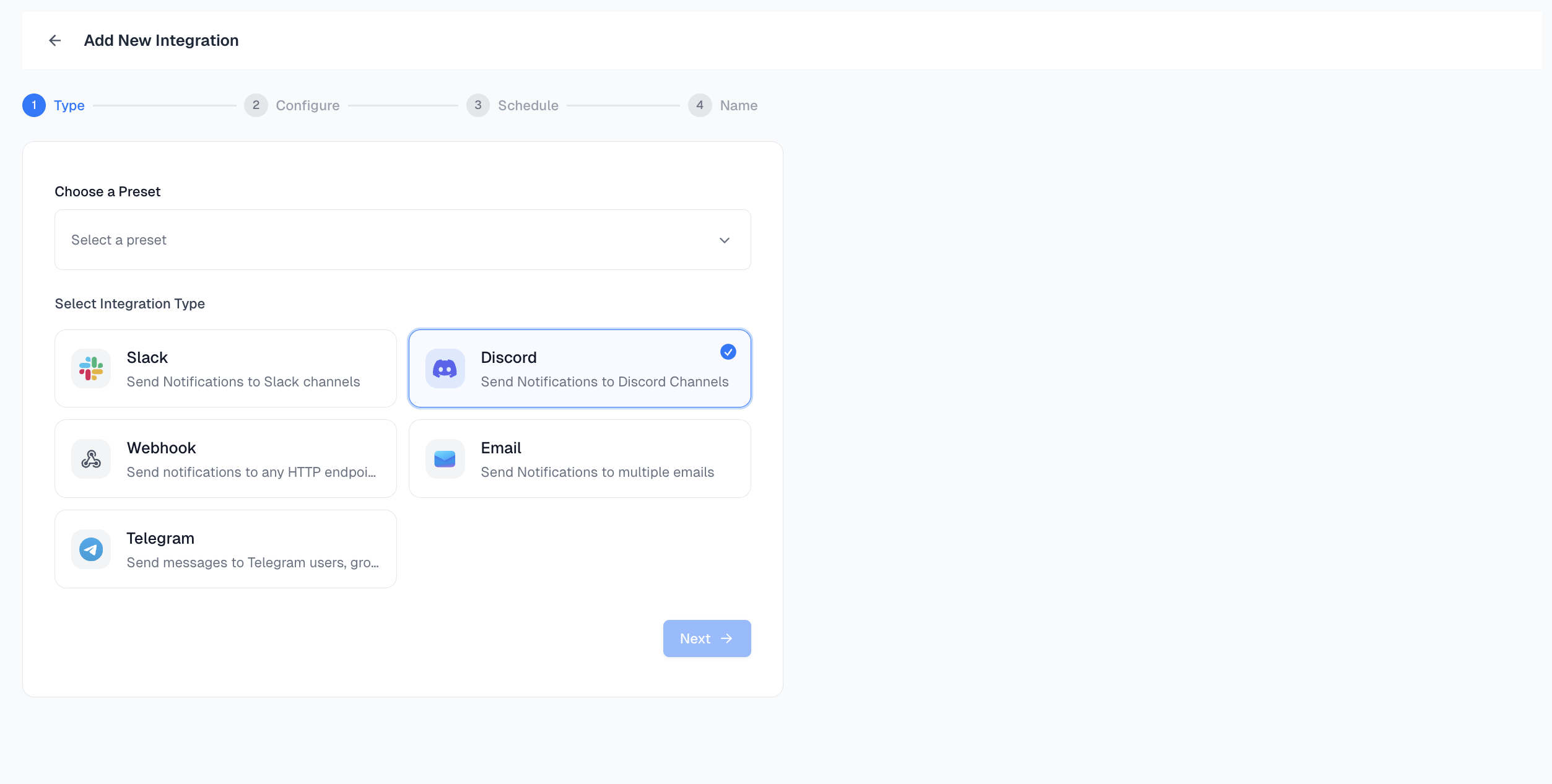 For this guide, we will make use of [Discord](https://discord.com/) as the preferred destination.
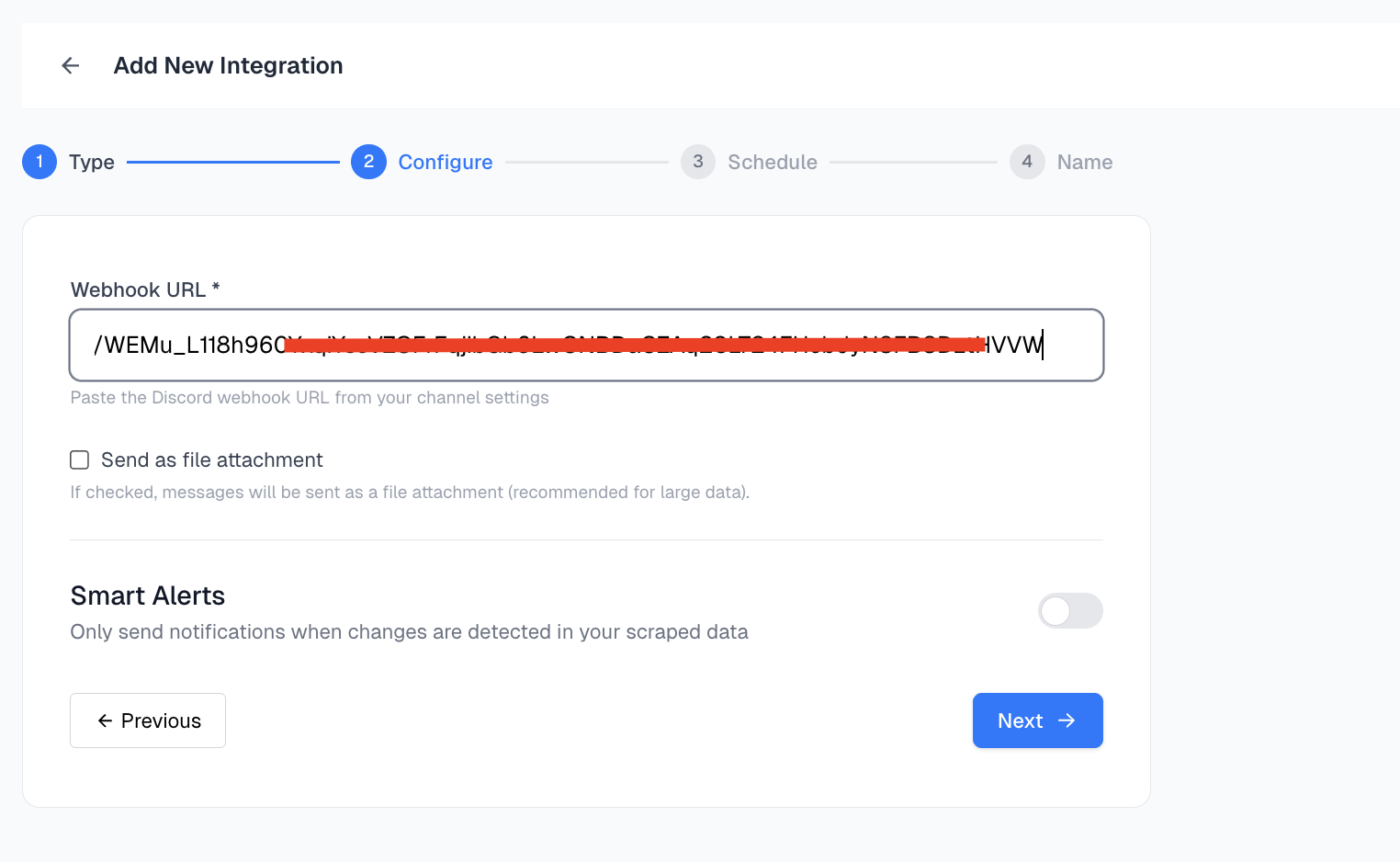
3. **Configure the Integration**:
For Discord , you’ll need to provide a webhook URL generated in your server settings. Then proceed to add the webhook URL into the input field and click on the **Next** button.
Each platform has its own setup fields (e.g. webhook URL, channel name, email address).
Fill in the required configuration based on your selected platform.
For this guide, we will make use of [Discord](https://discord.com/) as the preferred destination.
3. **Configure the Integration**:
For Discord , you’ll need to provide a webhook URL generated in your server settings. Then proceed to add the webhook URL into the input field and click on the **Next** button.
Each platform has its own setup fields (e.g. webhook URL, channel name, email address).
Fill in the required configuration based on your selected platform.
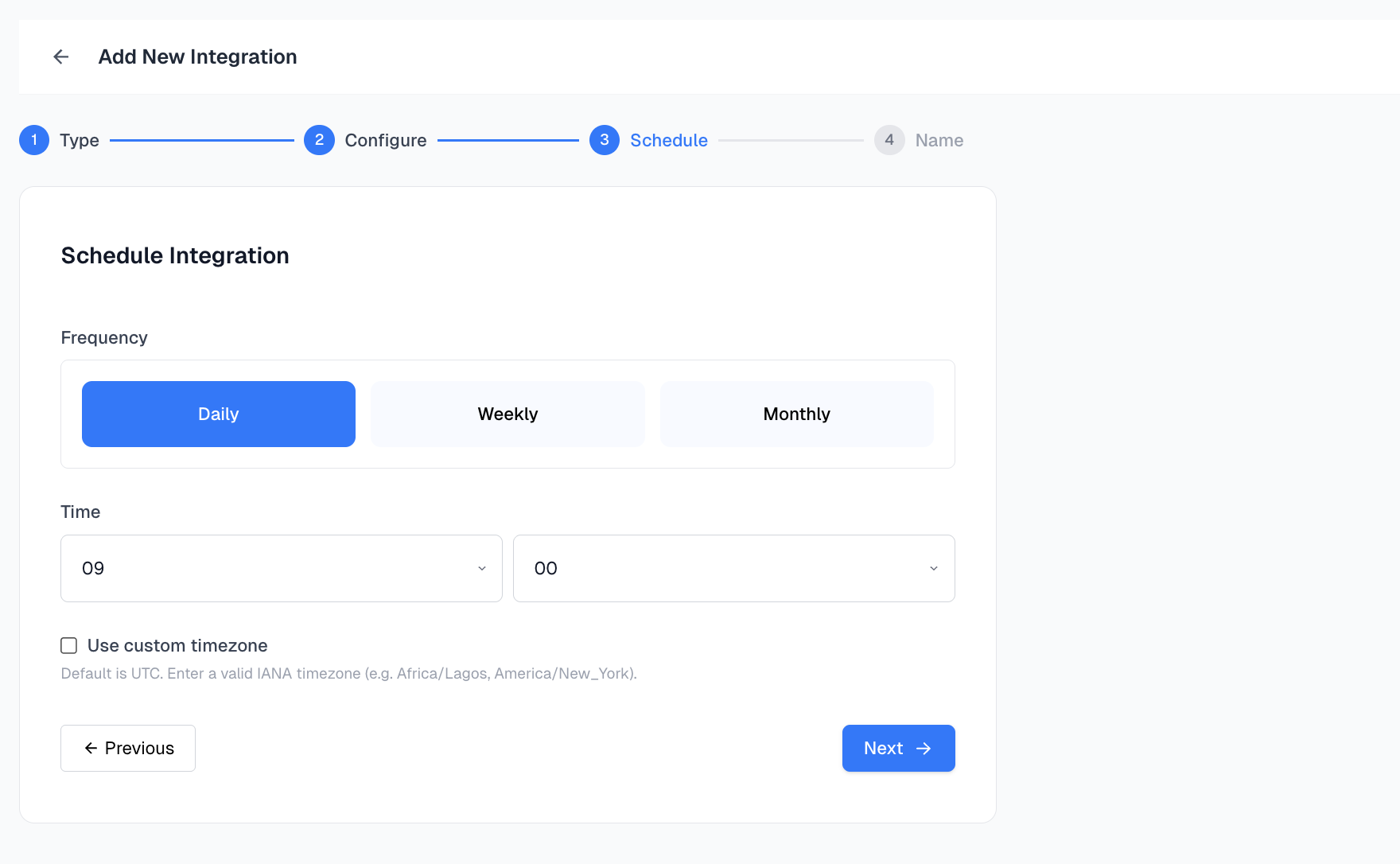
 4. **Schedule Integration**:
Set how often you want this integration to run:
* Daily
* Weekly
* Monthly
Also choose what time it should trigger.
4. **Schedule Integration**:
Set how often you want this integration to run:
* Daily
* Weekly
* Monthly
Also choose what time it should trigger.
 5. **Create and Activate**:
Once configured and scheduled, name your integration click on the **Create** button.
5. **Create and Activate**:
Once configured and scheduled, name your integration click on the **Create** button.
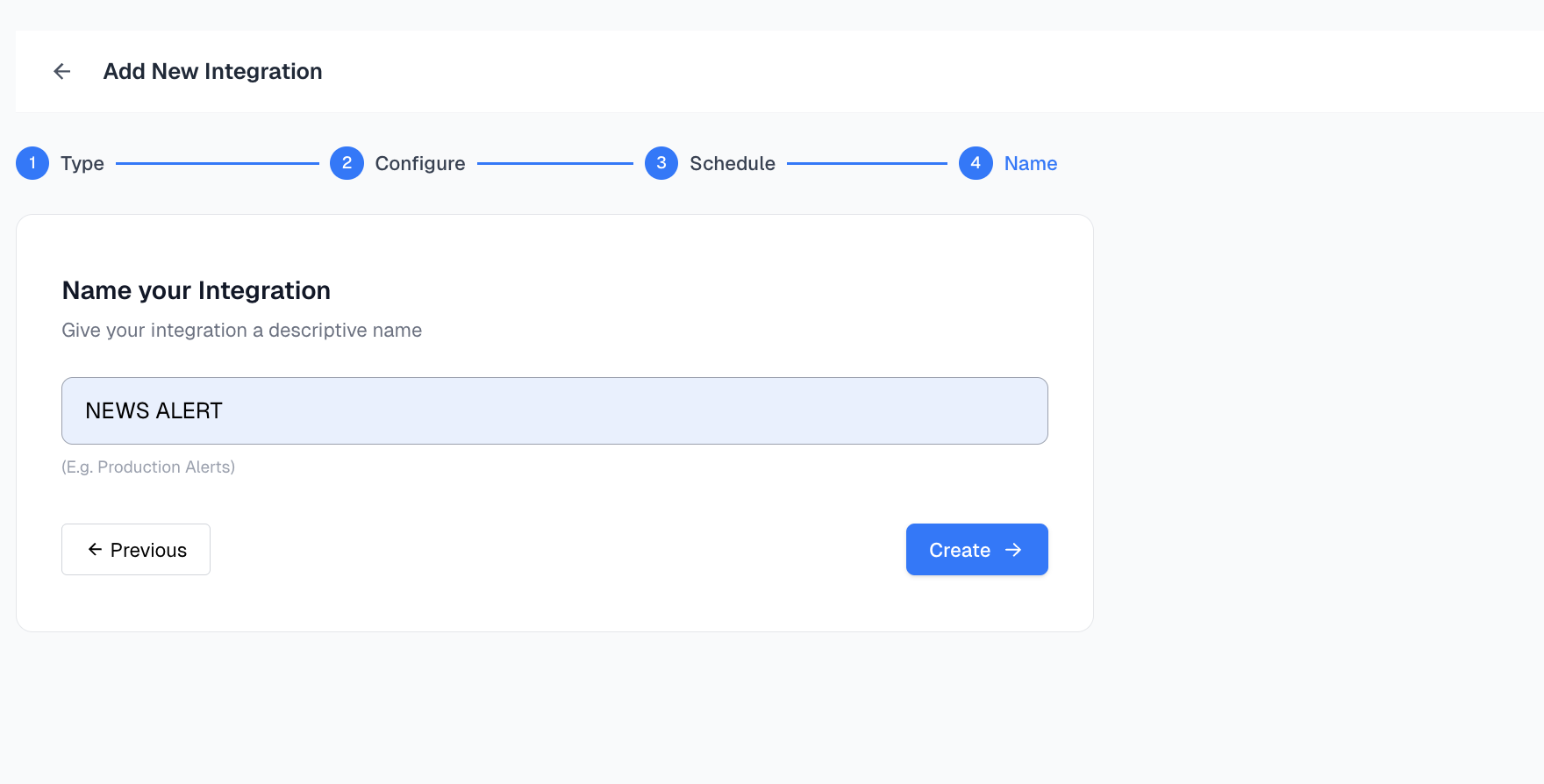 Your integration will appear in the integrations list, ready to deliver new scrape results based on your chosen schedule to your desired destination.
We highly recommend testing your integration before activating to make sure your destination is receiving data correctly
Your integration will appear in the integrations list, ready to deliver new scrape results based on your chosen schedule to your desired destination.
We highly recommend testing your integration before activating to make sure your destination is receiving data correctly